
Tips & guides
design professional email signatures
Welcome to the ultimate email signature resource. Here, you can learn all there is to know about email signatures. Want to learn how to set them up in your email client? Or maybe you need a guide on how to create an HTML signature from scratch? Browse through all our articles or go to a specific category above.

Unifying your business email signatures is a smart branding and marketing move. I'll show you how to do it right.

Canned responses can make your job much easier. They save you from having to do repetitive work and make it quicker to provide helpful answers to recurring questions. This article shows how to

Active Directory (AD) and Microsoft Entra ID (Azure Active Directory or AAD) are databases that contain a lot of information about a company, especially its employees. There is a lot of
Do your email signatures pile up at the bottom of your conversation threads? Well, I have bad news and good news for you. The bad news is that this is the default setup for Microsoft 365 / Office

March 15, 2024
vCards in email signatures
While most people consider vCards as obsolete (or have no idea what they are) others use it on a daily basis in their email communication. So, what exactly are those vCards? Why use QR-coded
February 29, 2024
How to configure a fully-branded company email signature on all devices in Microsoft 365
Managing brand image isn’t easy. With thousands of emails sent every day, a company needs to make sure that all of them look perfect. Whether you’re looking to promote your startup or

February 28, 2024
How to set up or change an Android email signature
If you're using an Android device, remember to set up a professional email signature in your email apps. I'll show you how.
February 09, 2024
Email signature inspirations for Valentine’s Day
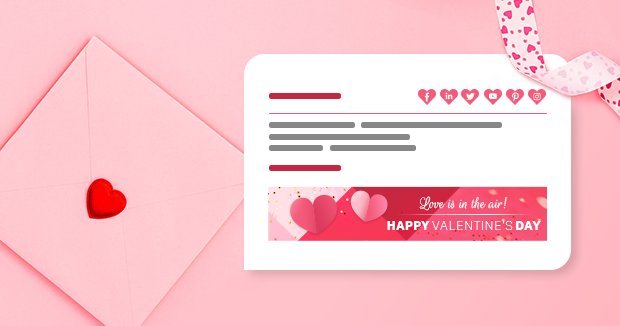
Valentine’s Day is just around the corner. It's the perfect time to show your beloved ones, from friends to parents, children and even pets, that they’re close to your heart. The upward
February 01, 2024
Best business email signature design for 2024
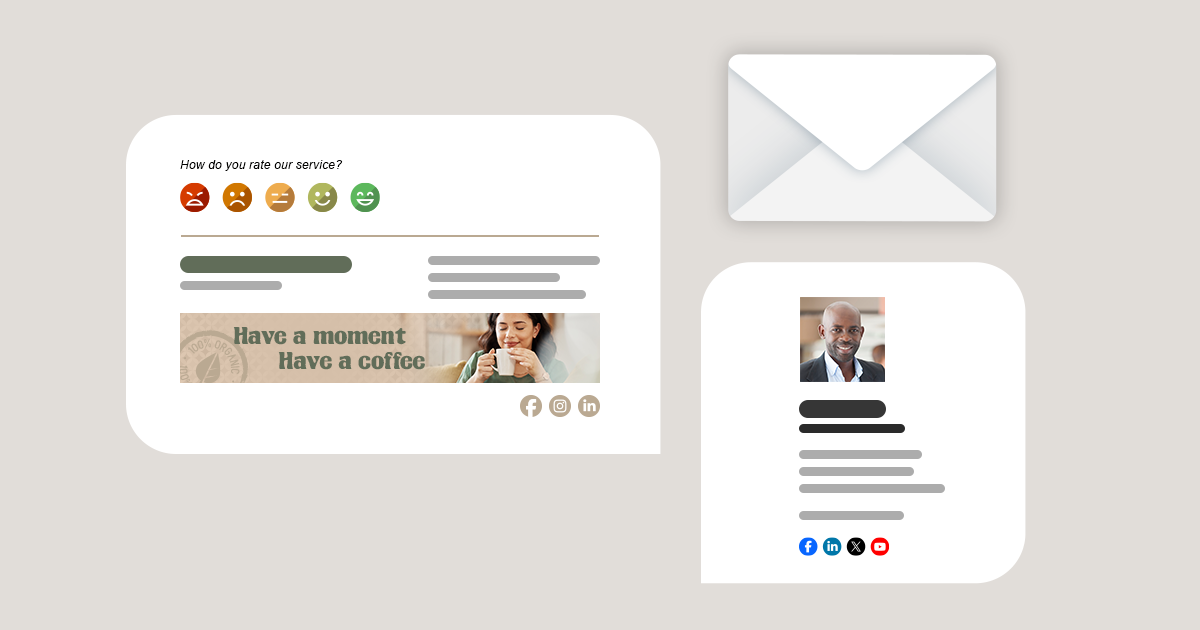
With a new year, we welcome new trends in email signature design. In 2024, to make appealing and professional signatures, we still look for simplicity and corporate consistency. However, you

Option and menu names and locations used in this article are the same for Outlook 2016, 2013 and Outlook 2010.
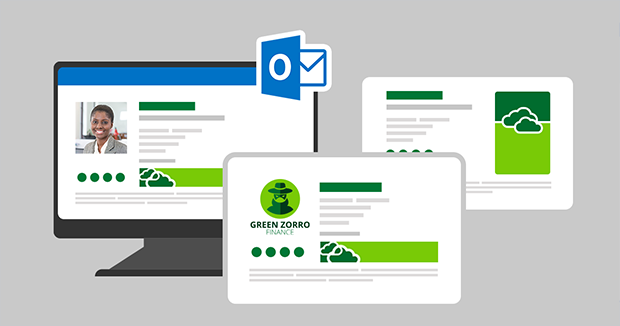
Setting up your own email signature is not a strenuous task for a single user (please see how to create or modify an email signature in Outlook 2010 and 2013). However, the perplexities may build up

January 29, 2024
How to create Outlook 2019 signature?
This article shows how to create and set up client-side email signatures in Outlook 2019. If you have an older version of Outlook, see how to create signatures in Outlook 2016/2013/2010. Create