
Tips & guides
design professional email signatures
Learn how to set up your email signature in the email client of your choice. Here, you will find guidelines on how to add both personal and company email signatures and disclaimers to Outlook, Mac Mail, various mobile devices and more.
Applies to Exchange 2019, Exchange 2016, Exchange 2013, Exchange 2010 and Exchange Online (Office 365). In corporate environments central management of email signatures is a must - you don't want

When it comes to Office 365 email signatures, you may want to have different variants for different purposes. It is a common practice to create two signatures for the same sender - one with full

Microsoft 365 lets you set up email signatures and disclaimers for the entire company. The setup process includes the native mail-flow rule mechanism and the Append Disclaimer option. As a result,

February 20, 2023
How to create a link in an email signature
Hyperlinks or simply links are at the core of the Internet. They allow you to instantly travel between different places of the Web, or, for example, start a call by clicking on a phone number.
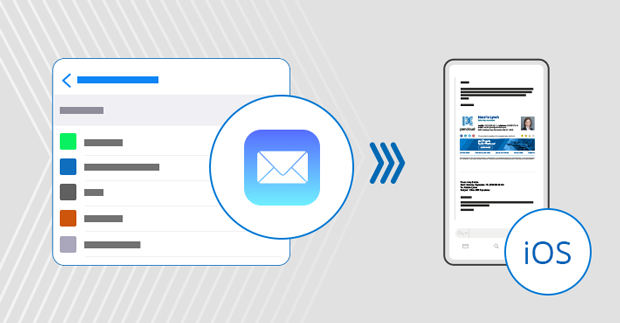
With a well-designed HTML email signature, you can promote your brand, let the recipients know of your latest offers, and maintain the highest level of professionalism. So instead of adding

November 23, 2021
How to add or change an email signature in Gmail
This step-by-step guide shows the easiest way to set up your Gmail automatic email signature.

March 16, 2021
How to set up email signatures in Yahoo Mail
Yahoo Mail is one of the most popular email services, with almost 228 million users. Chances are that you are one of them. If you would like to enhance your experience, you can easily add a nice
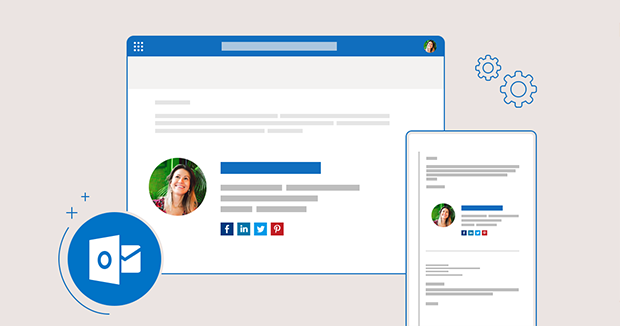
November 02, 2020
Add or edit a personal email signature in Outlook.com
It turns out that setting a personal email signature in the Outlook.com web panel isn't the same as setting it in Office 365 OWA. Don't panic though - it's still pretty easy:

August 27, 2020
How to set up multiple signatures in Gmail
By default, Gmail (or Google Mail) allows for applying only one signature to your new email messages or replies. Although this solution seems to be sufficient when private correspondence is taken

Windows 10 Mail app is a lightweight email client which comes with Windows 10. While it’s not nearly as advanced or popular as Outlook, or Thunderbird, it gets its job done and has a fair share

In contrast to webmail clients like Gmail or OWA, Microsoft Outlook’s default behavior is to embed images in email signatures instead of only linking to images hosted on the Internet.