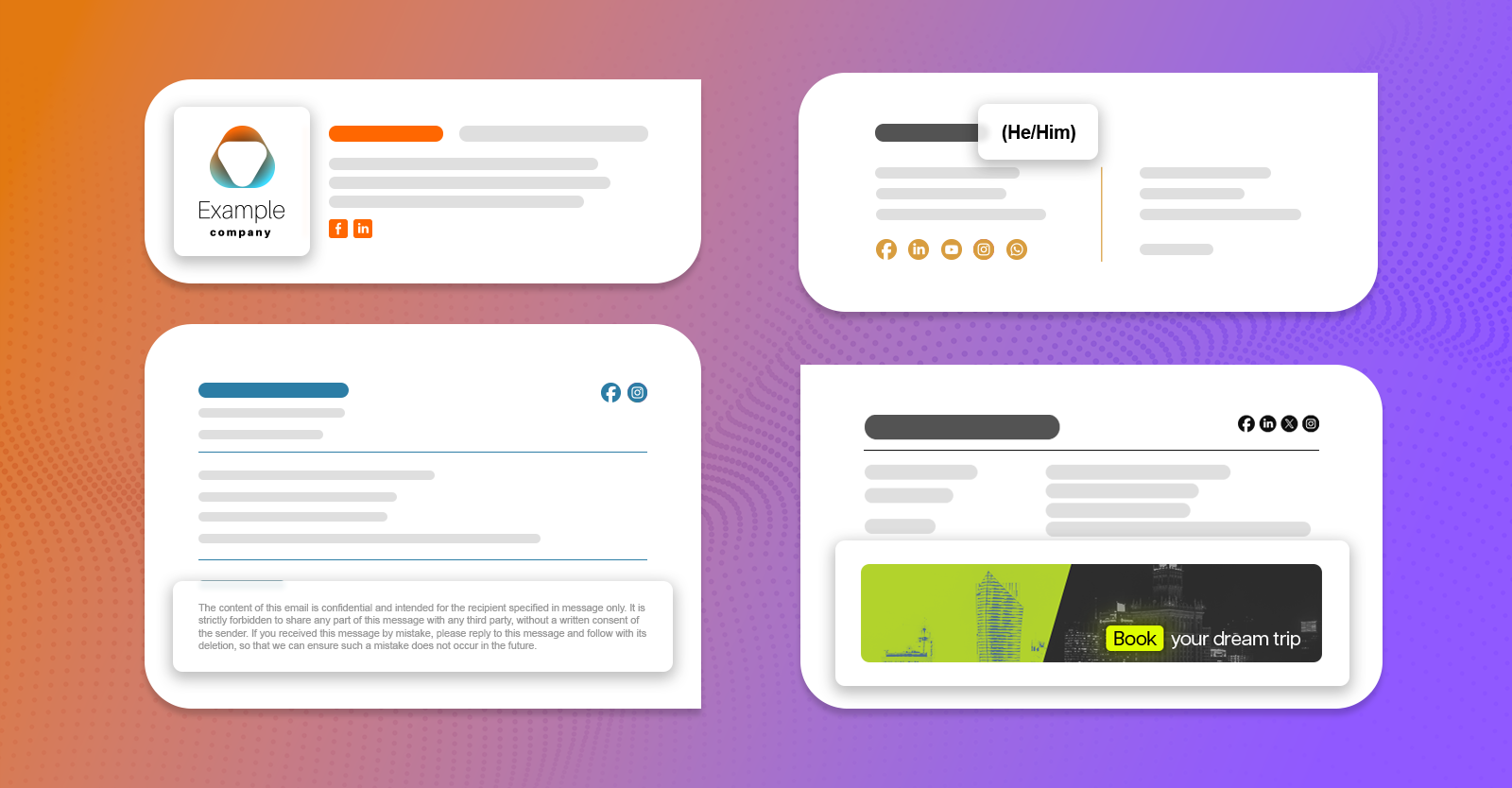
Email signature examples are the one thing you can’t do without when you design your own perfect email signature. Those examples let you determine what would work for your professional or personal email footer and help you come up with the perfect closing for each of your emails.
Email signature examples (by type)
Let’s get right to it. Below, you will find some of the most popular ideas for email signatures, divided into several categories. Some of those samples focus on the graphical elements; others highlight a certain part of the signature. Each example is based on an email signature template you can find in our free email signature generator; which means that you can easily create a similar design and use it in your business or personal emails in no time.
Business email signatures
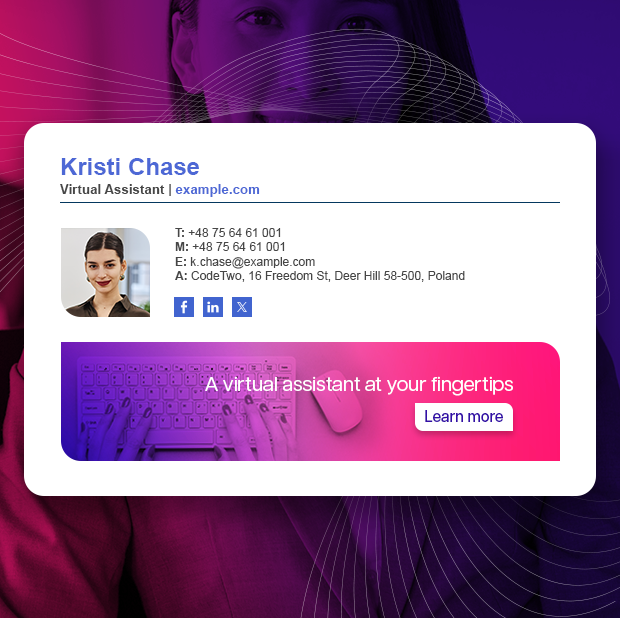
Professional business email signatures follow certain rules. They need to be designed in HTML code (which you can’t see right away), be functional, and include your company branding. An email signature works as a digital business card, showing your professionalism and encouraging people to contact you.
The example below shows a business email signature with the most common two-column format, a marketing banner and some social icons that link to the company profiles.
When creating a perfect business email signature for your company, keep a few things in mind.
- Make sure the signature is compliant with your corporate identity. Sending a unified message across all communication channels makes more impact.
- Take extra care to keep the contact information in email signatures up to date. If a customer has an urgent matter and can’t reach your number, your credibility will suffer and opportunities will be lost.
- Think about deployment – how will you make sure that all employees send the same, unified message? If every email signature looks different, the message you send as a company will be inconsistent and ineffective.
See more business email signature examples
Animated email signatures
Animated email signatures can be an incredible idea. Do them right and they become the ultimate attention-grabbers that leave a mark. Do them wrong, and they become the ultimate email annoyance – or even worse – they get your emails flagged because of their enormous size.
To make your email signature animated, in most cases you will use an animated gif. Despite its drawbacks (limited color support, a potentially enormous size even if not much is happening in them), this format is most widely supported across email apps.
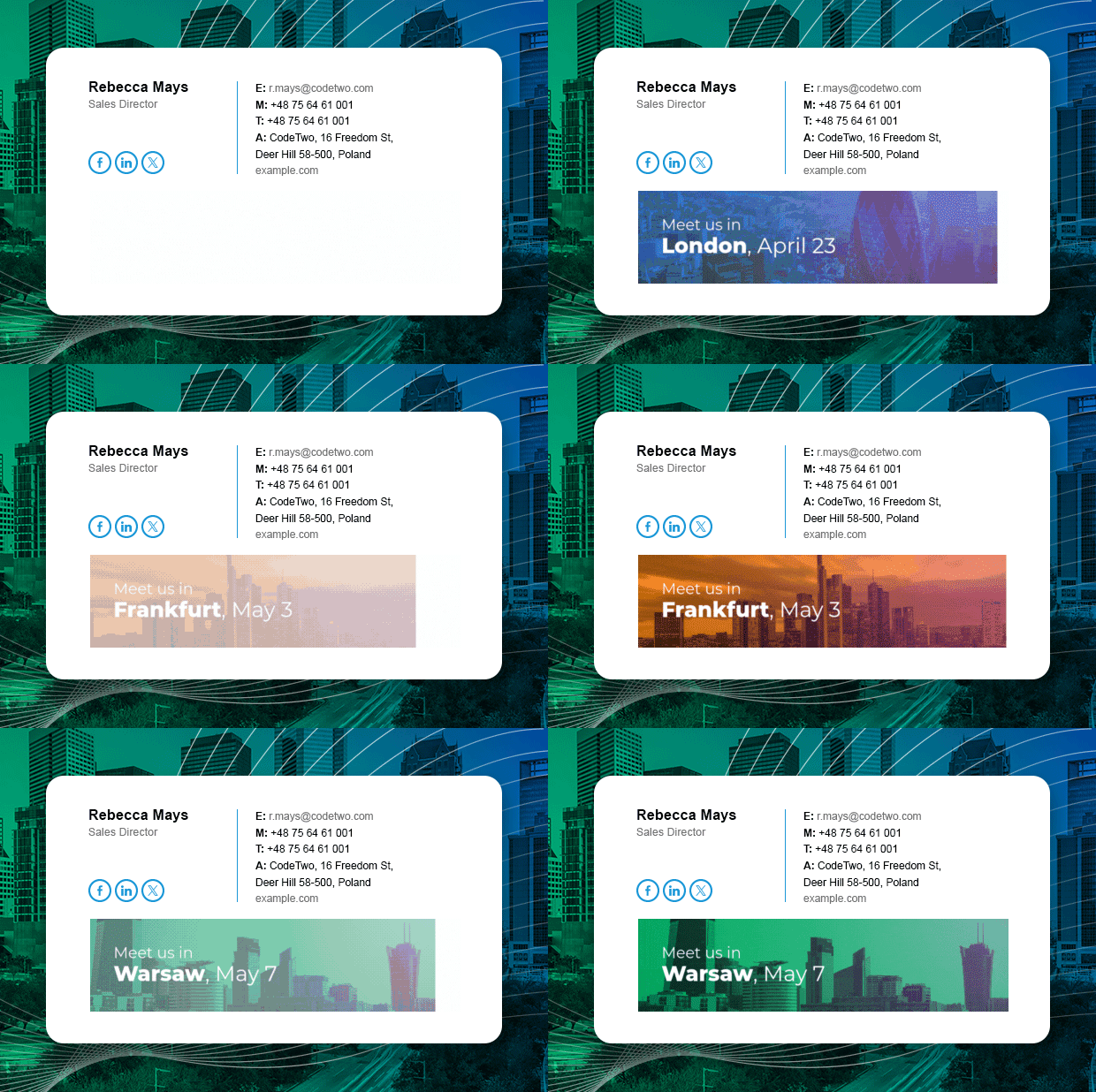
Anyway, adding an animation to your email signature can really boost it up. See some good animated email signature examples before you start creating your own.
See more animated email signature examples
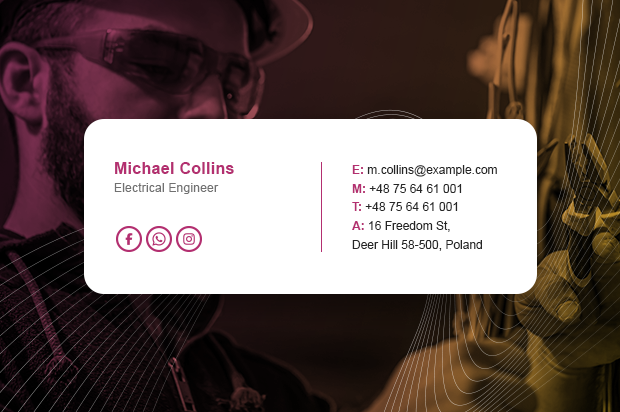
Simple and minimalist email signatures
Minimalist email signatures scream that “less is more”. And it seems that demand for those simple email signatures continues to be high.
A minimalist email signature doesn’t have space for too many elements, so you need to think long and hard about which elements you want to keep in it.
One of the best ideas is to use a simple email signature design in tandem with a second version that includes more elements (think social media icons or marketing banners). This way, you can use the complete version for new emails and the simplified one for replies and forwards. Keep those designs consistent and both your brand and your recipients will be grateful.
If you want to design an email signature that’s perfect for internal emails or for replies and forwards, the minimalist design is the right choice. Look at the example below:
See more minimalist email signature examples
Basic email signatures
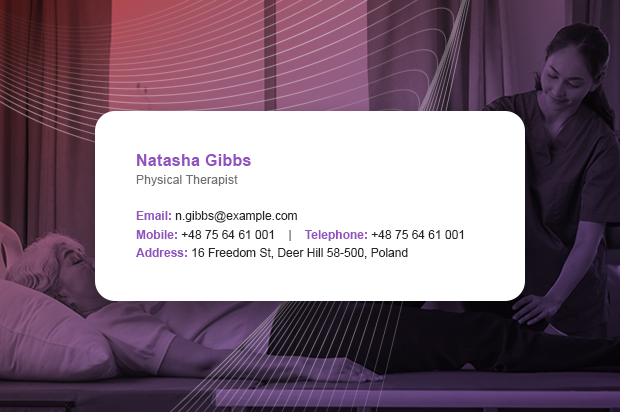
Basic email signatures examples can be quite interesting. Sometimes, a signature doesn’t need anything but your name, title and alternative contact methods. It doesn’t mean that you need to use plain text. A basic email signature design that includes your brand colors doesn’t scream your brand – it whispers it. Sometimes, that’s enough to make a positive impact.
Here’s a sample basic email signature design:
See more email signature examples and start creating your own basic signature in our free generator
Modern email signatures
This category is a tough one. Because what makes an email signature modern, really?
Well, I’ve seen the evolution of email signature designs since they were just a First Name, Last Name and a favorite quote. Trends can change fast. In 2025, two trends that peaked back in 2024 continue to thrive: animated email signatures and minimalistic designs. So, if you want to keep up with the trends, focus on making your design sleek and smart. A compact email signature works great while still allowing you to include all the most important elements.
Here’s an example of a modern email signature:

See the most modern email signature examples in our free signature generator
Formal email signatures
Your communication style highly depends on your target audience, doesn’t it? Sometimes, a light-hearted informal tone makes the greatest impact. In other situations, stray from a formal tone and you’ll be deemed unprofessional. These rules apply to email signatures, too.
A formal email signature is usually used in a corporate environment. Here are a few important rules to make your signatures formal:
- Use toned-down colors. Even if they don’t grab attention as easily as bright and vivid colors, they’re best for formal use.
- Use web-safe fonts. This gives you the greatest chance to send a consistent message. If you do choose a custom font, set up fallback fonts. Otherwise, you might face unforeseen consequences. Oh, and don’t use Comic Sans, no matter how tempting it is.
- Instead of focusing on time-limited promos, think about using the banner for promoting your CSR initiatives or your company’s mission.
Look at this formal email signature example:

See some other formal email signature examples
Email signature examples (by content)
Below, you’ll find email signature examples that focus on a certain element. Some highlight a marketing banner while others include optional features, like information about working hours.
With images
Nowadays, most email signatures include at least one type of image. The most popular graphic signature elements include:
- a logo,
- user photos (headshots),
- marketing banners,
- social media icons,
- contact information icons,
- purely decorative elements.
When using images in your design, balance is key. Too many images increase the email size, can hurt readability, and in some cases, can even increase your spam score. No images, on the other hand, make It hard to make the design noticeable. An image-only email signature keeps the signature layout intact, but makes individual elements unclickable and uncopiable.
Here’s an example of a good email signature with various images included:

See more examples of email signatures with graphics
With a logo
Including your logo in company email signatures is a must. It doesn’t matter if you’re a one-person operation or your company has thousands of employees – your logo should be there, getting as many brand impressions as the number of emails you send.
Keep in mind:
- Make sure the colors used in your design complement each other. Using a color wheel to create a palette is a good idea.
- More and more users are switching to dark mode. It means that your whole signature design should look perfectly both in the standard mode and when the dark mode changes font and background colors, leaving images (logo included) untouched. Learn more about dark mode
- If you want your logo to be the focal point, make it the star. Even a minimalistic design can include a logo and still look professional.

See more email signature designs that can highlight your company logo
With a banner
An email signature banner is super important. You can use it for:
- Promoting offers and complementing your marketing campaigns.
- Announcing news from your company.
- Promoting content to support your strategy.
- Funneling your recipients straight to your landing pages.
- Bragging about latest industry awards or achievements.
It depends on your priorities and other marketing efforts. Remember: if you want people to click the banner, a clear CTA is key. If impressions matter most, make the banner noticeable but not cluttered. An animated banner can be a good fit here.

See more email signature banner ideas
With working hours
One smart addition to a professional email signature is your working hours. This is especially useful in larger or international organizations, where working hours of your colleagues are not obvious.
Adding active working hours to an email signature serves two main purposes:
- It boosts productivity and reduces frustration. You’ll know when to contact someone in real time or look for other active teammates.
- It promotes the right to disconnect, encouraging healthy work-life balance. While small, this element can make an impact, especially as part of a broader initiative.
Here’s a sample email signature with working hours included:

See other smart things you can do with internal email signatures
With social media icons
Social media icons have become a standard element of professional email signatures. They can be useful for both personal and business email signatures.
Why add social media buttons to your design? Because they work!
People want to know who they’re dealing with. Social media offer a quick glimpse into your professional self or your company. Adding those buttons save your recipients the trouble of having to look you up manually. If they are forced to look you up manually, you have little control over what they would find.
So yes, a link to your LinkedIn profile might get you some extra connections or followers. But more than that, it gives visitors access to your thought leadership. Provided you’re active and your profile is up to date. Keep your professional profiles up to date, share your expertise, and you’ll build a great reputation in no time.
Just don’t go overboard. Even if you manage to keep 10 different social media profiles up to date and relevant, adding all of them to your email signature might be an overkill. If you focus on 2 – 3 social media links, you’ll encourage your recipients to check out those most important destinations. On the other hand, if you add more, there’s a chance that the recipient will just click the social media profile on the platform they’re most familiar with. Just don’t go over 6, otherwise your email signature might start looking like a grade-school collage project.
Here’s an example of a business email signature with 6 social media buttons included:

See more examples of email signatures with social icons
With pronouns
There have been some heated discussions on using pronouns in email signatures. Some organizations add them to be more inclusive. Other ones ban them to remove the ideological aspect from an email element that should be purely professional and functional. And there are companies that think only about the practical aspect. Instead of bringing ideology into signatures, they add pronouns as an optional signature attribute, to make addressing employees much simpler. It is especially useful for international companies, where there might be many first names that are gender-neutral or non-obvious, gender-wise.
Learn more about using gender pronouns in email signatures
No matter what’s your motivation, if you want to add gender pronouns into email signatures, here’s an example of how you can incorporate pronouns into your signature design.

With a legal disclaimer
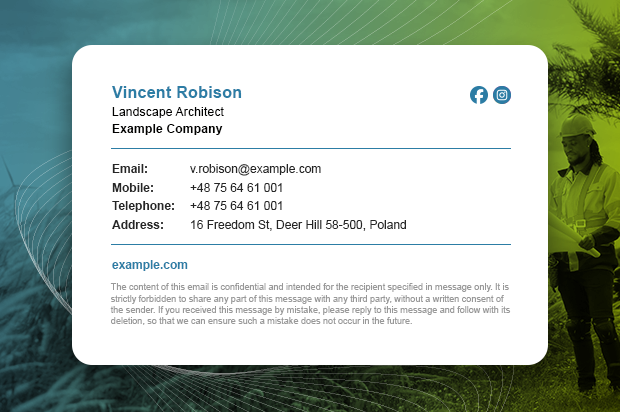
It’s extremely easy to do email disclaimers wrong. Make them too long or too demanding and they will only take up space without adding value. But disclaimers can be important for your business.
Your emails might be subject to information obligation under the GDPR. You might be required to include a link to your privacy policy in your emails. Or an unsubscribe link. Discuss it with your legal department.
So, how to do them right? Take one of our good email disclaimer examples, add a few personal touches, and you’re set.
See the best email disclaimer examples
Why are email signatures important?
Email signatures are important because they show how serious you are about your business or personal brand. Every email you send is an opportunity to reinforce your brand identity.
Want to know the real scale of email signature potential? Use the marketing opportunities calculator
Email signature etiquette
The world of business emails follows many rules and not all of them are obvious. A bad tone or clumsy email ending can cost you. The same goes for email signatures.
Email signature etiquette answers some popular questions, like:
- What to include in a professional email signature?
- What should never appear in a signature?
- What’s the best size for an email signature?
See our short and sweet piece on email signature etiquette
The best email sign off
An email sign off is not the same as the signature – a sign off (or ending) is the closing phrase that goes right above the signature. It signals where the actual email body ends and where the automatic part begins.
Coming with the perfect email sign off might come naturally for you. Or you might spend way too much time deciding if the standard “Best regards” works for this specific email thread. Overthinking email sign offs is counterproductive. So, what’s the best way to handle email sign offs?
See our article with email sign off examples and an explanation of when to use each one
How to avoid email signature mistakes?
Still anxious about making some email signature mistakes that could make you look unprofessional? Don’t be! We’ve compiled a list of the most common email signature mistakes together with the most effective ways to combat them.
The worst email signature mistakes and how to avoid them
The best email signature tools
Want to up your email game with state-of-the-art email signature tools? Check them out!