There are many ways Americans honor this national holiday. Firework displays, picnics, barbecues, and parades are great ideas for outdoor celebrations. That’s why, quite probably, the first banner that comes to mind when thinking about the Fourth of July is the Star-Spangled Banner. Here, we have some 4th of July email banners to make your email signatures more festive. Take a look at our ideas on how to celebrate Independence Day in your email signatures.
4th of July email signatures with animated banners
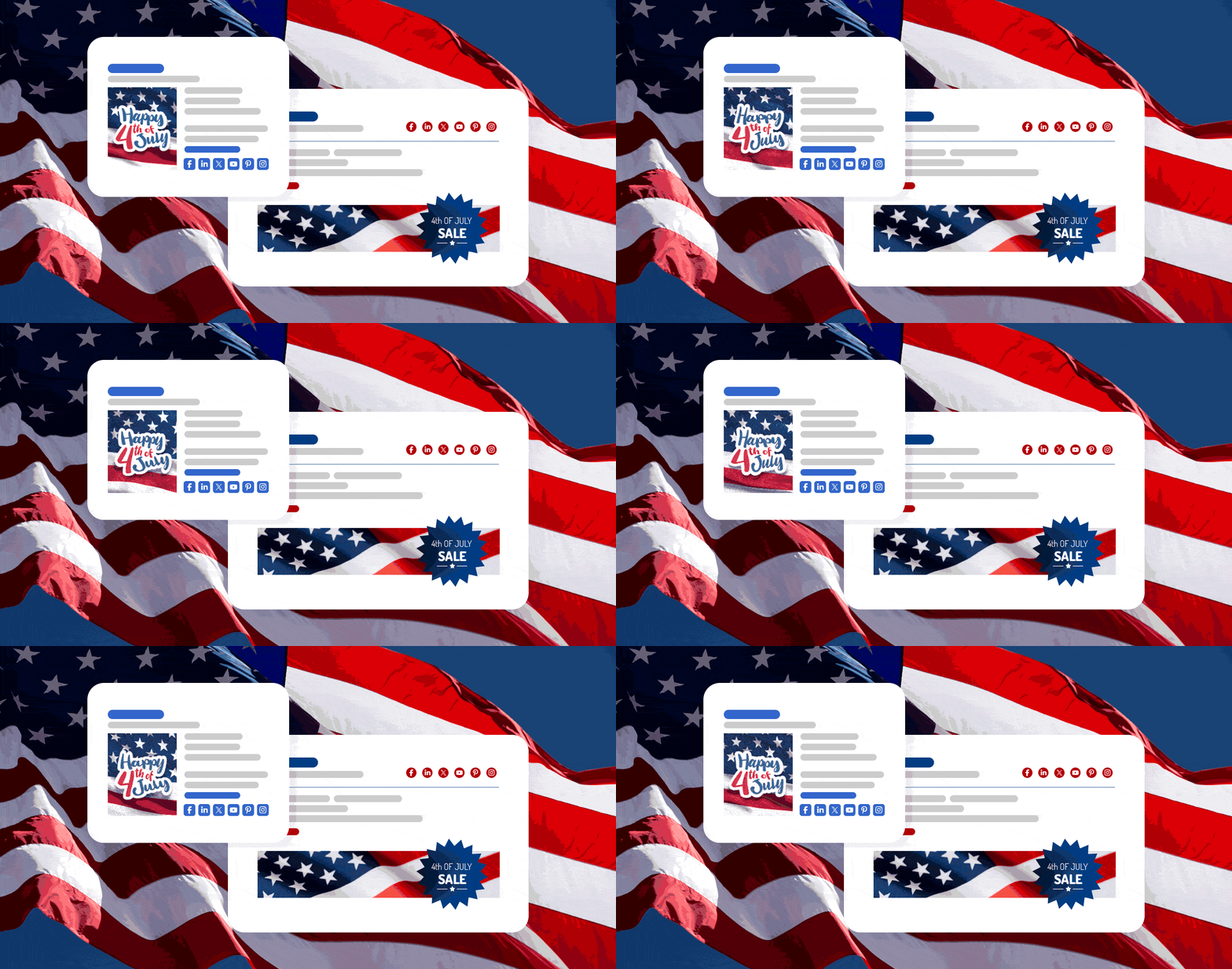
We’ve prepared some new designs that include animated GIFs. Below, you’ll find three new 4th of July-themed signature templates you can freely edit and, thanks to our email signature generator, make your own in no time.
Looking for non-festive animated email signature designs? There’s more where that came from! See other animated email signature inspirations
250 years of America
Personalize this signature design and start adding it under your emails
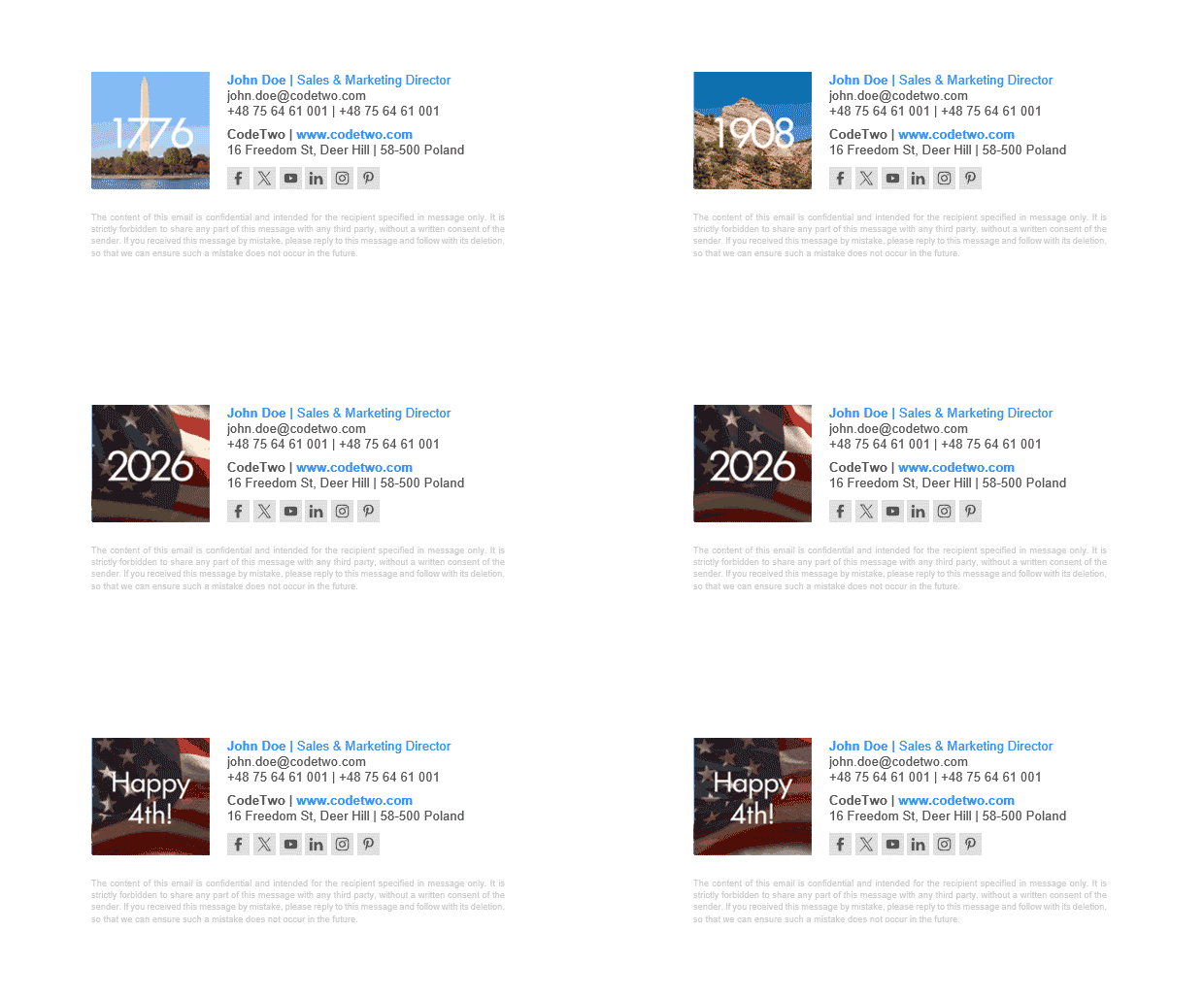
250 years is a huge milestone. To be honest, it’s not easy to capture such an occasion in an email signature, but you can try with this quick-paced animated GIF that shows the journey from the signing of the Declaration of Independence to the present day.
Happy 4th of July

Edit and use this U.S. Independence Day email signature for free
The waving flag animation is a great fit if you want to add some movement to your emails but don’t want the animation to be too distracting. The vertical banner and overall compact design make this a perfect choice if you need a mobile-first signature. Feel free to customize the colors to better match your brand.
4th of July celebration
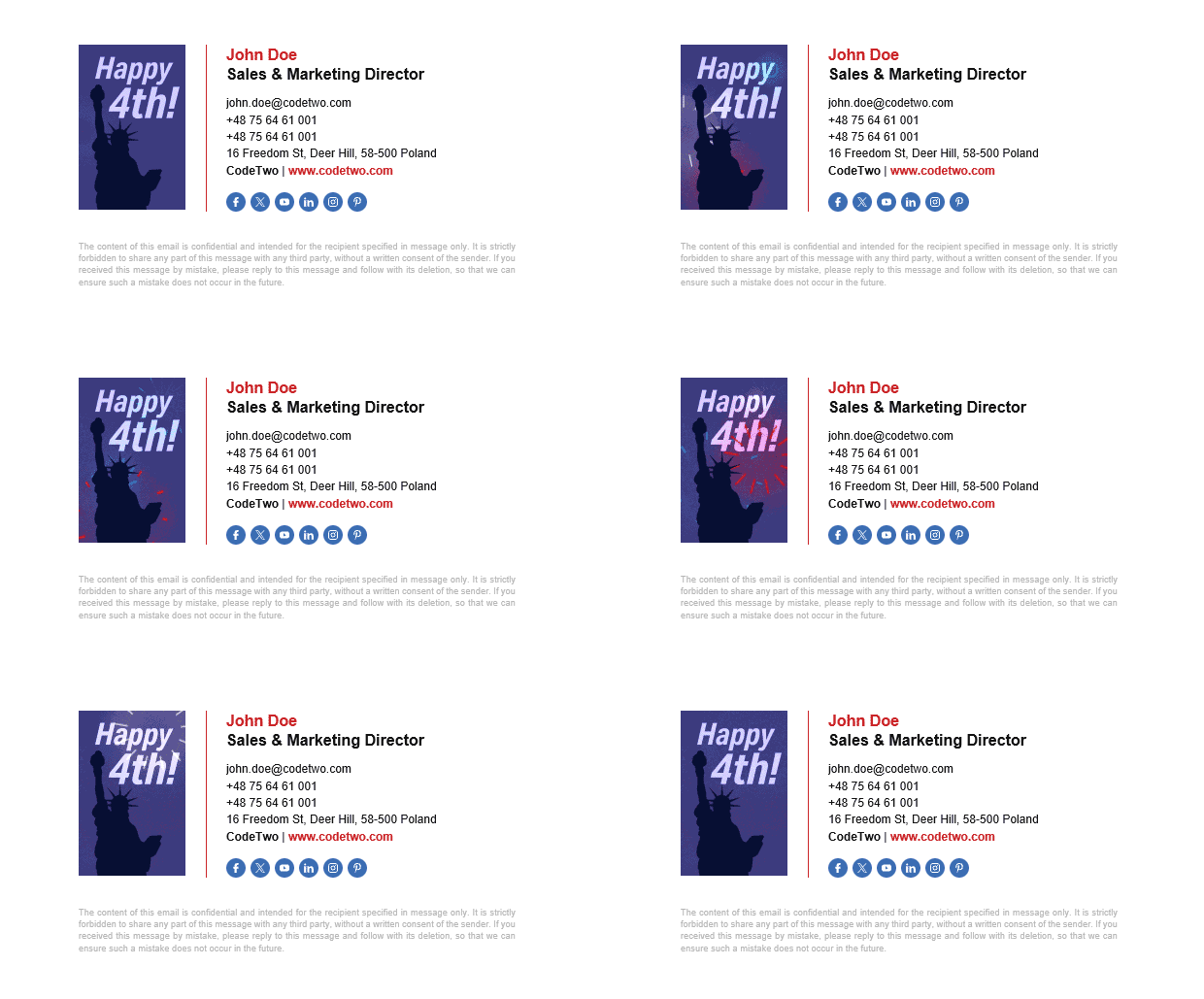
Edit this animated signature and use it to sign your emails
This animated signature adds some fireworks to your email communication. Literally. It’s a great fit if you’re organizing an Independence Day celebration and looking to boost your marketing efforts through an additional promotional channel.
Fourth of July email signature examples (static)
Animated email signatures do catch attention, but not everyone is a fan of animations under every email. We get it. That’s why we’ve also prepared some professional static email signature examples for U.S. Independence Day. To show your festive mood in a professional setting, we encourage you to use one of these free signature templates in your email conversations.
Simplicity and elegance

Download this free email signature or edit it in our generator
It’s just classic. A great fit for any business that wants their emails to look neat and simple, yet fully branded. The user photo adds a personal touch to the company email, but if you like, you can use our free email signature generator to replace it with your company logo.
Waving flag banner
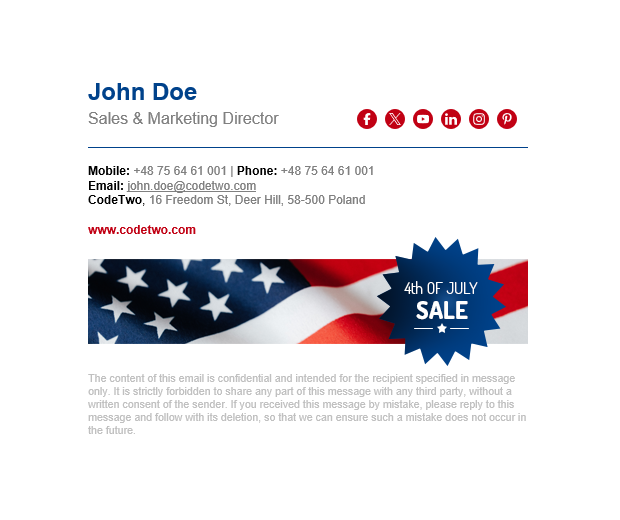
Download this free template or modify it in our email signature generator
Do you have any great 4th of July offers or promotions? Maybe you’re selling garden flags or banners? What better way to advertise them than with an Independence Day-themed email signature banner! Remember to link the banner to your website or online store and add some tracking parameters to monitor your campaign performance.
Compact and neat

Download this email signature template to celebrate the 4th of July
This signature template was designed for those who prefer a subtle look. It lets you celebrate the 4th of July in your email conversations, but keep it low-key. The company logo and details of the sender are the most visible part of the signature. The casual and inviting style of this template makes it a great fit for most professions.
Festive mood
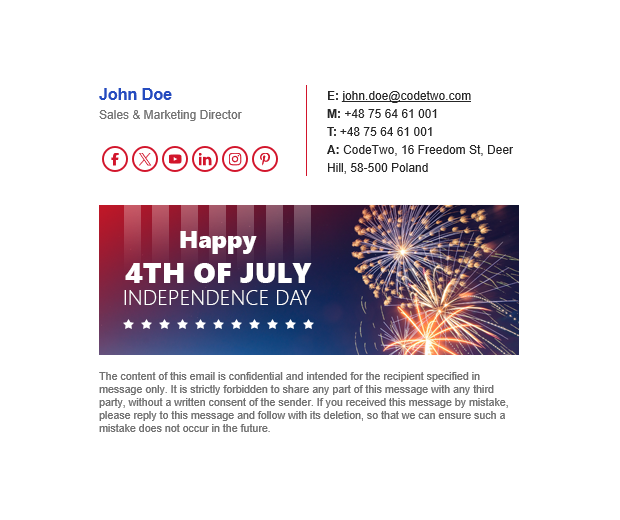
Download this signature template or edit it directly in our free generator
Celebrate Independence Day with this fireworks display signature template. The bold banner catches the eye, social media icons are in the spotlight, and all contact details are there in case anyone needs to reach you by phone. It’s a great choice for a company email signature, especially if you want to increase the visibility of your social media profiles.
Best 4th of July signature practices
The 4th of July email signatures above are only a few from over 200 templates we’ve prepared for you over the years! Remember that each of those designs is customizable in the free email signature generator. Thanks to that, not only can you personalize them with ease, but also use them as a template for your own unique project. And our templates come with reliable HTML code underneath.
Make sure to follow some rules to ensure your email campaign doesn’t backfire. While time-limited signature campaigns have a lot of potential merits, there are also some risks to keep in mind:
- Don’t miss opportunities. People do click email signature banners, even when those banners don’t include CTAs. That’s a great opportunity to promote your events, get more traffic to relevant content, or bring attention to your attractive time-limited promos. Just remember to track those clicks with URL tags, so you know what works best.
- Control your time-limited campaign. A 4th of July signature campaign works great in the days leading up to July 4 and on the holiday itself. Sending festive signatures a few days after this date is also acceptable, but sending them in August or later will be seen as a major lack of professionalism in communication.
- Test your signature. We thoroughly test our designs to make sure they stay uniform and display correctly in any email app on any device. However, there’s always a chance that the signature stops being ideal when you make some major changes to the design. In case of any problems, take a look at the signature generator’s manual.
- Don’t overdo it. While animated email signatures work great and easily catch attention, they can overwhelm email conversations when added under every email. One of the best ideas to combat this is to set up a simpler, more compact signature for replies and forwards.
Maintaining your own email signature isn’t that big a deal. However, if dealing with hundreds or thousands of mailboxes in an organization, it can quickly become overwhelming and unmanageable. That’s why we’ve designed email signature tools to make such management a piece of cake. Watch the video below to see how CodeTwo helps you add 4th of July banners to email signatures (or make other changes) in just minutes:
Check out our email signature management tools