Why use signatures in internal company emails
First, some numbers:
According to The State of Business Communication report from Grammarly and The Harris Poll, in 2023, the time spent on written communication has grown by 18% since last year. Email returned to grace, since it allows to get things done asynchronously, without losing your whole day on attending meetings. At the same time, the same report shows decline in effectiveness and productivity of written communication.
Conclusion? Internal email communication can be much more productive. One of the ways to boost it is the correct use of email signatures. This article should explain what “the correct use of email signatures” is.
Essential internal email signature elements
We’ve already written a bit on what to include in an internal email signature. It includes the intra-company email signature essentials; you should take a look at it for a quick introduction. If you’re reluctant to jump between two separate pieces of writing, know that internal email signatures should be different from external ones. They are directed to different audiences and serve a different purpose.
In the article below, I won’t delve into signature basics. Instead, I’ll focus on more fancy signature uses.
Advanced ideas for internal email signatures
User photo
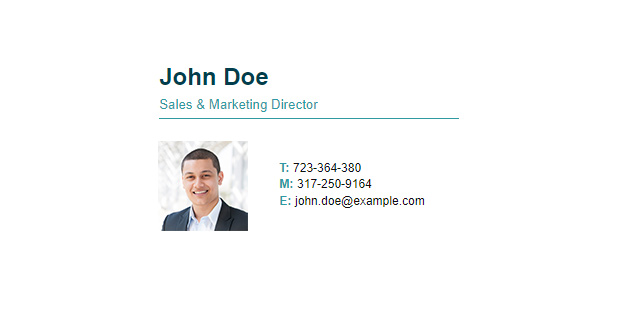
Seeing a face behind an email makes it easier to relate to the email sender as a human being. A nice user photo is good for building healthy relations between employees. We’re trained by mother nature to look at faces and read them. But you probably know that. What you might not know is that email signatures can be used as a phishing countermeasure.
One example of high-risk cyber threats is when an attacker pretends to be another employee (most commonly your boss). It’s even technically possible for attackers to use your boss’s email address. That’s where internal email signatures can come in handy – they usually don’t leave the company, so attackers might have a hard time learning how to set them up. And if those email signatures contain user photos that cannot be found outside the company, you will immediately see that something’s wrong, when an email signature of your boss is way different than normally.
Employee recognition
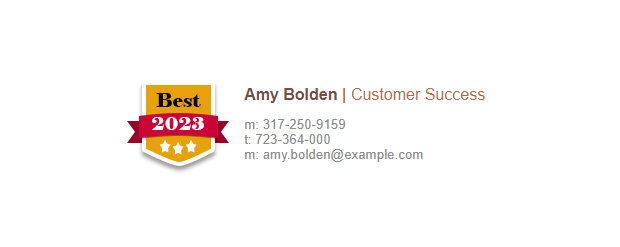
You’ve probably heard of Maslow’s Hierarchy of Needs. One of the important highlights from this psychological theory is that it’s natural for human beings to be recognized for their achievements. It helps them stay motivated and on top of their game.
An internal email signature is a good place to show off the achievements. You can add small icons for employee milestones, employee of the month titles and any other badges your employee recognition program includes.
Marketing banners
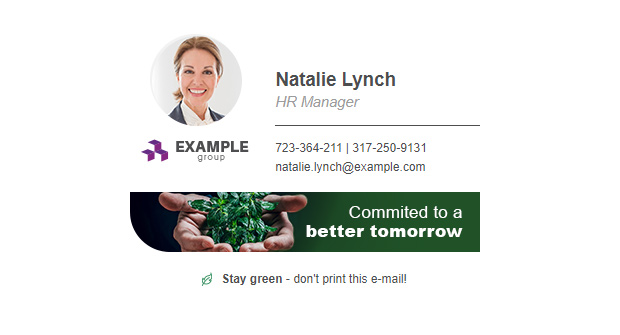
Well, you wouldn’t use standard marketing banners for internal emails. However, there are times when you could use some extra channel for promoting important company announcements. Here are some of the most common examples:
- Company event coming up – you can stir up some excitement before the event takes place or encourage more people to sign up.
- Company benefits – don’t assume that everyone knows about all the employee benefits they can get. Sometimes people need a reminder that the company takes good care about them.
- CSR initiatives – whether you want more people to sign up or spread the news, an email signature is a good place to let everyone know what the company has been up to. Either way, you will probably boost morale.
One-click surveys
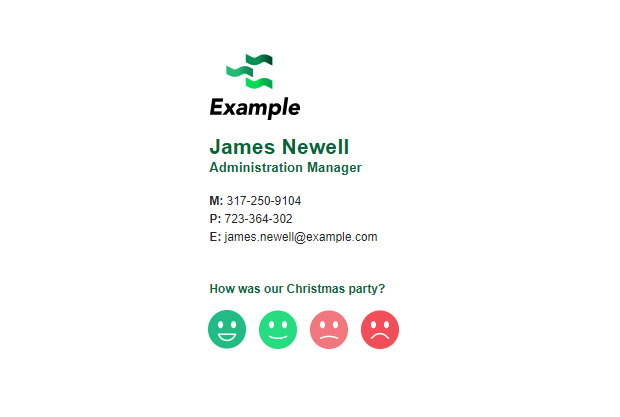
One-click surveys are an easy and effective way to get feedback. You recipients click a rating button and optionally leave a comment. Their most common use is measuring customer satisfaction, but you can get creative. Here are some ideas for internal one-click surveys:
- Monitor employee satisfaction levels.
- Learn how people rate the latest company retreat.
- Get ideas to make the office environment a better place.
Company policy reminders
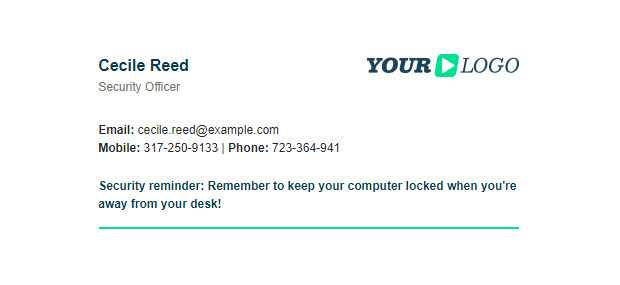
An occasional kind reminder on following company policies on productivity (or anything else) can be useful. Everyone needs a refresher from time to time.
Upcoming out of office periods

Wouldn’t it be wonderful if you could plan your projects ahead without surprises? Well, that’s wishful thinking, but when you add upcoming out of office periods to email signatures, at least one kind of surprise should happen less often. It is incredibly helpful, especially when discussing complex projects that require more than one team to work together.
How to add upcoming out of office periods to email signatures
Working hours
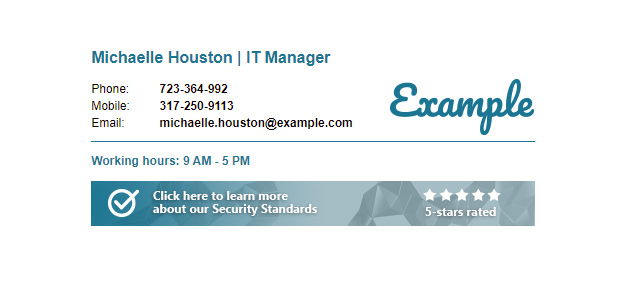
In your company you probably have a way of checking if a certain person is online or not. But that doesn’t give you the full context. If you need a time-consuming task handled as soon as possible, you need to know if your recipients don’t finish their shift in the next 15 minutes.
This addition to email signatures is especially helpful if your company has multiple offices, if users have flexible working hours or work shifts. The most convenient way to add working hours to signatures is if users provide those on their own. That’s where things might get tricky – everyone might have their own idea of how to add those values. The article below explains how to use an advanced email signature solution to best handle such scenarios:
How to add extra information to your signature
How to unify all company email signatures
No matter how smart your internal email signature ideas are, they are worth anything only if they actually get deployed. There are various methods of enforcing email signatures. The video below should give you a quick idea on how hard the process can be:
So, for a quick list of benefits of the email signature management tool, CodeTwo Email Signatures 365:
- Everyone gets unified, company-issued email signatures.
- Signature setup and updates are lightning-fast and don’t require any end-user interaction.
- You can create different email signatures for internal and external communication.
- Users can add advanced elements (like out of office periods) to their signatures without any harm to the email branding.