



Yup, email signatures can do that. However, when set up correctly, they have quite an opposite effect. A neat, professional email signature can either have a WOW effect or simply make you feel like everything is just right. And, as an added value, a good signature lets you e.g. promote your offers or helps gather customer feedback.
So what makes a difference between a lovable and not-so-lovable signature? There is more than one factor and to make sure you get it right, you need to follow the email signature etiquette.
What is email signature etiquette?
Email signature etiquette is a set of rules and best practices that help others not hate your signatures.
Below, I’ve prepared a list of the worst crimes against email signature etiquette and how to avoid or fix them.
Two-page disclaimers for two-letter emails
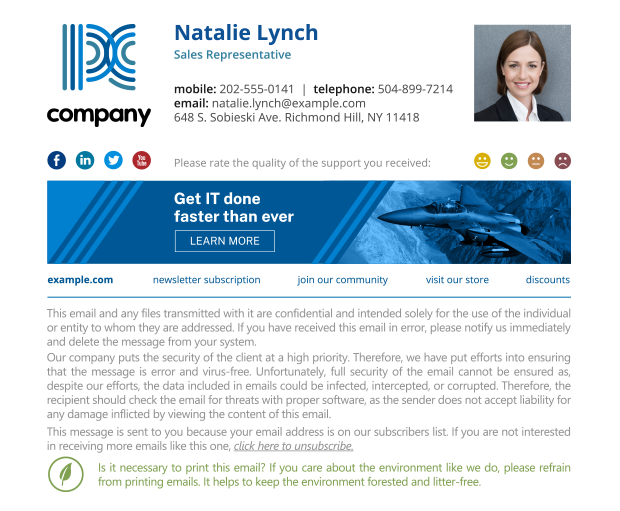
Don’t get me wrong. Disclaimers can be required to comply with laws and regulations. However, some people mistake disclaimers for legal documents and overdo it. Not only are disclaimers too long way too often, but also they tend to be added to each reply and forward. That’s a very effective method of making your recipients angry.
How to fix this?
Ask your legal team or whoever who came up with the two-page monster, if the disclaimer really must include all this information in three different languages. And if you have no idea how to start, here are some professional email disclaimer examples.
It might also be a good idea to append a disclaimer only once per email thread.
10 MB jpeg graphics
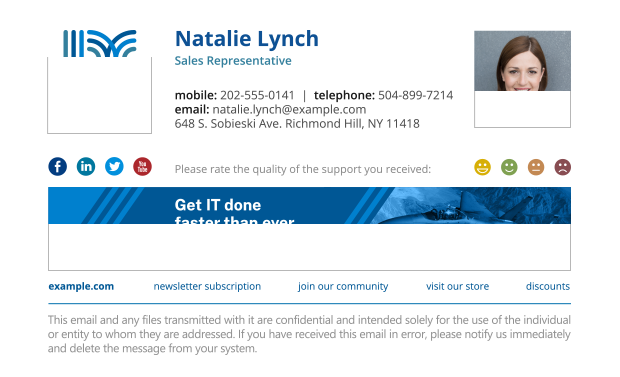
Images are quite all right in email signatures. They can make your correspondence stand out and if a signature is well-composed, they do promote your branding and encourage recipients to see offers linked to the banners. However, graphics can be your undoing as well. Using extremely large files presents more than one problem:
- Large files will take much longer to load, and a signature should never cause emails to lag.
- While a single 10 MB shouldn’t be too much of a burden on email systems, adding large files to email signatures makes the delivery of each your message longer. And when you send emails to more than one recipient, you will clutter your and others’ mailboxes.
- Spam filters may count large images as a threat.
- Ironically, high-resolution images may end up being blurry due to scaling issues.
How to fix it?
In most cases, the ideal image resolution is twice as much as its target placeholder. In other words, if your email signature design reserves 300x100px for a banner, you should use a 600x200px graphic file which will scale down nicely. Also, it’s worth exporting your images to PNG and JPG to see which format ‘weighs’ less.
Read more on best email signature size
Outdated details
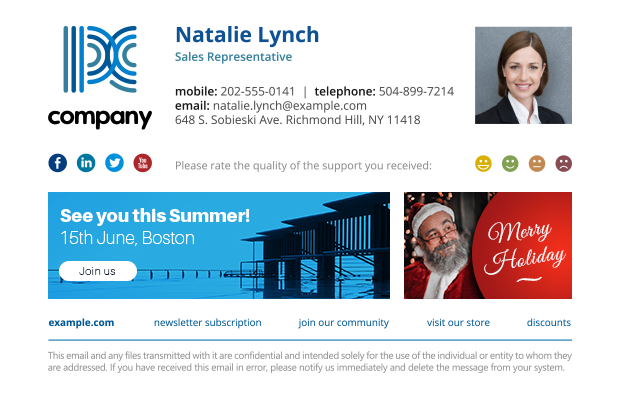
The time and energy you put into making sure the signature looks and works well results in an increase of trust from your recipient. Attention to details is a must if you want to make sure your brand is always associated with quality. So if an element you send with each email is out of date, don’t expect others to think highly of you.
That’s why promoting an event which already took place or an offer which ended long time ago is hurtful. But promotion is not the only purpose of an email signature. A signature is also there to, for example, redirect your recipients to another contact channel. And if your contact details are no longer valid, you can be sure that those who can’t reach you will get angry.
How to prevent this issue?
If you set up your own email signature, make sure you check on it from time to time. And if your company manages email signatures centrally, it’s best to use a solution which syncs with your users’ database in real time and has a scheduler feature, like our tools.
Full-composition signatures for replies & forwards
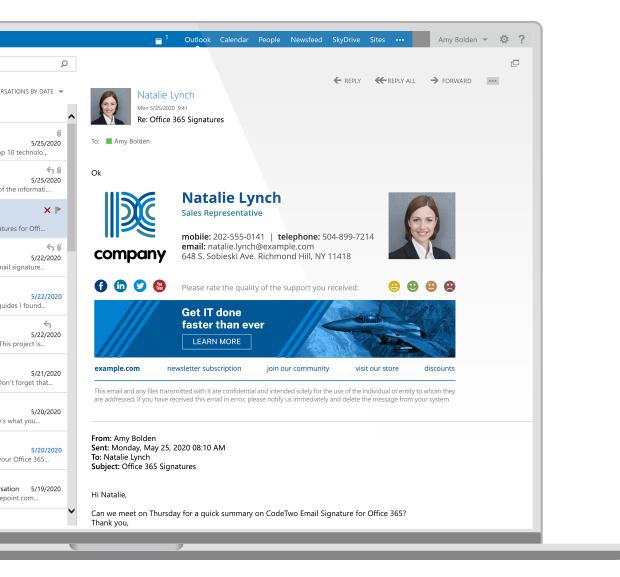
Full-composition email signatures give you the most space to include your branding, promote your offers and, in general, present yourself in the best way possible.
However, including such a complete signature in each and every email reply or in internal messages can make even the most patient of email users furious. Bombarding your recipients with banners will not increase the number of intentional clicks and makes the whole conversation hard to follow.
How to avoid it?
The best practice is to reserve your complete email signature for the first email in a thread and use its simple variant in subsequent messages.
Treating emails as websites
The next way to break the email signature etiquette is far from being obvious but it happens a lot. Consider this:
Email signatures are made of HTML. Websites are made of HTML. Since both use the same language, you should be able to create email signatures the same way you construct a website, right? While there is certain logic behind this, it is far from truth for more than one reason.
Nowadays, most Internet browsers display HTML code in fairly similar fashion. Things weren’t always like that. Before Internet Explorer (IE) was discontinued, it was the web developers’ nemesis. Things that worked everywhere else, failed to work on IE, and you needed a special kind of patience to find out why and how to fix it without breaking websites on all other browsers… Now think that almost every email client has a different way of understanding HTML. Almost every email client is like IE, one way or another.
On top of that, when sending emails, you need to remember about mechanisms that prevent spam from getting to inboxes.
OK, that’s a lot of theory. What exactly does it have to do with email signature etiquette?
If you try to design a perfect, responsive email signature which will look different for various screen dimensions, it probably won’t work. If you try to format a signature with JavaScript, it will probably end up in quarantine. Signatures need a very specific kind of HTML code if you want them to work well.
What to do?
Use well-designed email signature templates from the template library, or create your email signature with the free generator. And if you want to design it from scratch, check out the following article:
See some designer’s tips to creating good HTML code for email signatures
Finally, test your email signatures, before you set them up for good.
Image-only signature
In the light of previous point, you might be tempted to simply screenshot the signature once it looks OK and then paste the image into your email signature settings. An image should look identical regardless of an email client. True, but such an approach renders the signature almost completely useless at the same time. Here’s why:
- Recipients won’t be able to copy your contact details or use links. While you could add one link to the whole image, most recipients will view it as a big red flag.
- Screen readers won’t be able to read any part of the signature.
- The image-only email signature usually weighs much more and looks worse than a correctly-coded HTML signature, especially when zoomed in.
- Most image-only email signatures won’t be dark mode friendly.
How to fix it?
Just don’t do it. It’s worth to put an extra effort, especially when you can use some good email signature designs to help you get started.
Email signature etiquette within a company
Following those best practices requires some effort but, overall, is possible and well worth it. At least for a single person. But think in terms of a whole company.
Ensuring each and every email signature complies with the etiquette and has the same brand identity is an extremely time-consuming task which usually ends up with the IT setting signatures for everyone.
That’s why we’ve come up with tools that let you manage email signatures across the whole company. Thanks to them:
- One person or team manages email signatures for everyone.
- Every email client and every device benefits from the same, personalized, signature template.
- You can apply company-wide changes in a matter of seconds.
- It’s possible to apply various signatures for replies and forwards.
- And many, many more.
See also: