Human or bot? Mark your emails with "Human-written" badges
Mail-Signatures.com

  • Tips & guides
  • Tools
  • Signature templates
  • Signature generator
  • Contact
  • DE

Human or bot? Mark your emails with “Human-written” badges

Download free, white-label badges to add to your email signatures. These badges inform your recipients you are a human.

Twitter test
Linkedin
Facebook
Facebook
Facebook
Written by Kamil Glaser

Posted: May 5, 2025

Let your recipients know they're not talking to a bot with "human-generated" badges.

AI is a blessing and a curse. On the one hand, it can help with mundane tasks and make your life much easier – sometimes even doing a better job than a fresh intern.

On the other hand, overusing AI can make you super-lazy. But most importantly, have you ever tried solving a complex problem with an AI-powered support bot? Yikes! An increasing number of people are getting sick and tired of the AI overload and prefer human interactions.

That’s why we’ve created some free badges you can add to your email signatures (and beyond) to let everyone know you’re not a bot.

Why promote human interactions?

As the AI hype continues, we might be just one step away from seeing AI-related content every time we open the fridge.

Don’t get me wrong, it’s not a rant about AI. I regularly use AI and happily ignore its suggestions about my awkward phrasing.

There’s no denying it: LLMs can be incredibly helpful. Heck, AI-generated content can sometimes seem more empathetic than something created by an actual human. But I’m still a dinosaur who sees more value in interactions between humans.

So, if you’re a dinosaur like me, let it be known. If you take your time to read, understand and provide real answers to emails, brag about it using one of the “100% written by human” badges.

About “written by human” badges

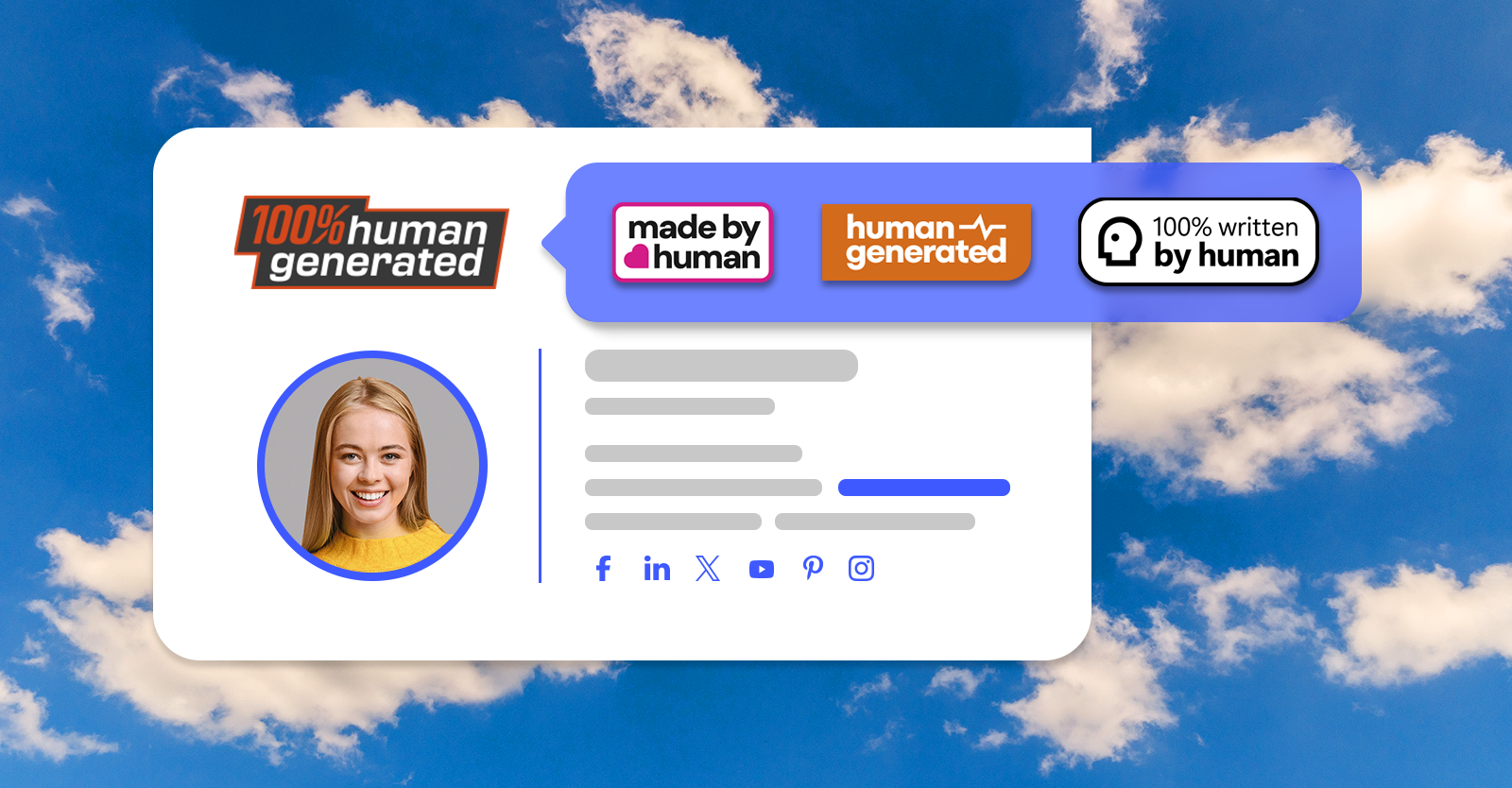
Our badges are 100% human-generated. And there’s more than one way to use them. You can:

  • add one to your email signature,
  • use it on your website,
  • print it and stick it onto something you created (for example, my children love having stickers on their foreheads. But I think we’re still a long way from AI-generated living humans 😉).

Pretty much anytime you want to brag about creating something on your own, our badges will help you get the message across.

How to add a human-generated badge to your emails?

It’s quite simple:

  1. Download the “Written by Human” badge pack.
  2. Pick the badge you like best.
  3. Add the badge to your email signature.
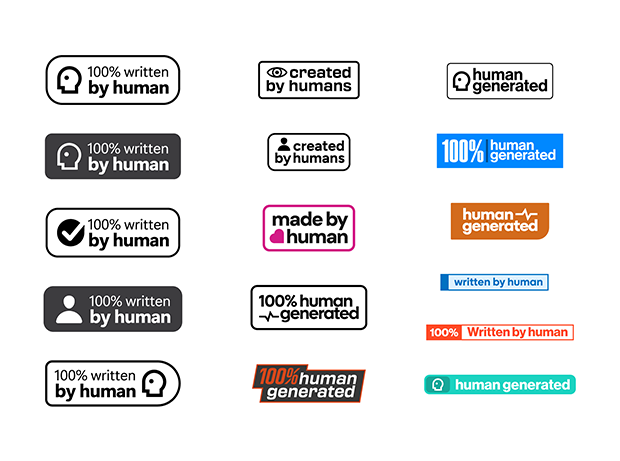
Written by Human blog image - badge set

Here are links to our badges:

  • English badges
  • German badges
  • Polish badges

Need an inspiration on where to add a badge? Check out those email signature examples:
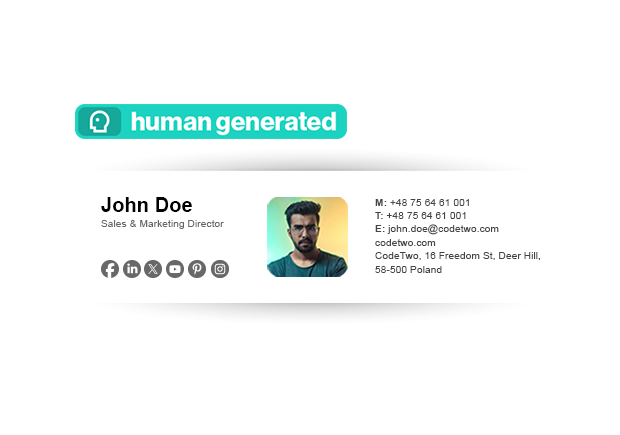
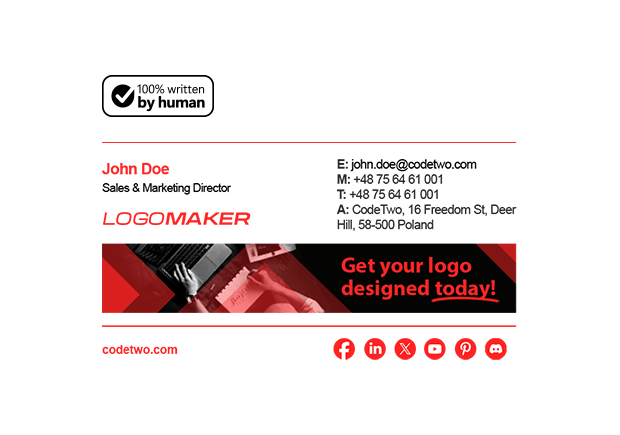
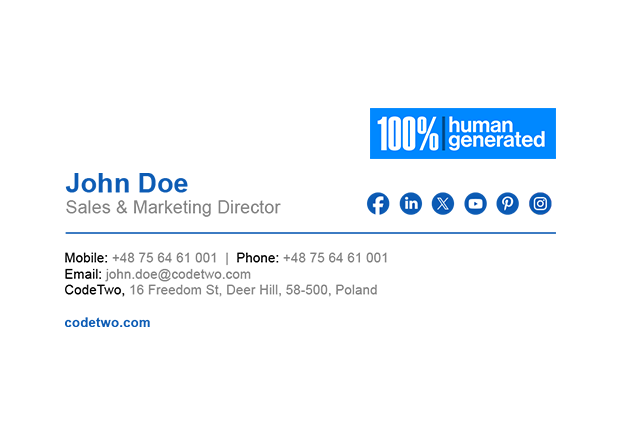
Human-generated email signature
100% written by human badge added to an email signature
written by human badge email signature

How to prove you’re not a bot?

You’d be surprised how often this question pops up these days. So, let’s try to answer it – without asking any AI tools.

Yes, adding a “No AI” badge to your email signature will suggest that you’re not a bot. But, to be honest, you can add such a badge to automatically-generated emails as well.

So, what’s the best way to prove you’re not a bot? Here are some ideas:

  1. Read emails carefully.
    I don’t know about you, but from my experience, most AI-generated responses are seemingly helpful, well-construed and reassuring about how much customer experience matters. But ask a support bot a more complex question and you’ll get a wonderful, grammatically perfect, verbose – yet absolutely unhelpful – answer. It’s like it doesn’t understand the question but tries to answer it anyway. Pretty but useless is still pretty useless.
  2. Answer questions.
    That’s the natural follow up to the point above. Many times, when I was redirected to a human agent, I still wasn’t sure if it’s really a human. Sometimes, because I needed to paraphrase my questions a few times before getting a relevant answer (or not). Sometimes, because the real human used a canned response that didn’t cover my scenario. That’s why, if there’s a question, answer it. It’s quite simple. And if you don’t know the answer, it’s far better to admit it, than to ignore the question or make uneducated guesses.
  3. Go the extra mile.
    If you really want to stand out, don’t stop there. Make an effort to predict what else you can do to help. That’s one of the best ways to build customer loyalty and something a bot is unlikely to do well.
  4. Add a personalized email signature.
    While there’s no stopping you from setting up a bot with a great, personalized email signature, most people won’t bother to do that. That’s why a well-formatted email signature with a high-quality headshot of your actual face is a low-cost yet highly effective method to boost your credibility.

Create a professional email signature with our free email signature generator

Promote no AI (or little AI) culture across organization

If your organization doesn’t use AI for everything, it’s a good idea to let your customers know about this.

If you have a highly creative team that likes to put real effort into their work, add a “Created by Humans” badge to everyone’s email signature.

Now, I’m sure that your team is great at what they do, so don’t break it by making them change their email signatures manually. If you’re using Microsoft 365, that’s something we can help you with.

We’ve designed a tool that integrates with your database and automatically adds a professional email signature for everyone in your organization. Automating a mundane task of setting up an email signature (and keeping it up to date), is the smart step. Here’s why:

And yes – the solution is 100% human-generated and backed by a support team that’s 100% human – you won’t get AI-generated answers from us. Meet the award-winning team of humans behind CodeTwo Email Signatures 365

Recommended articles

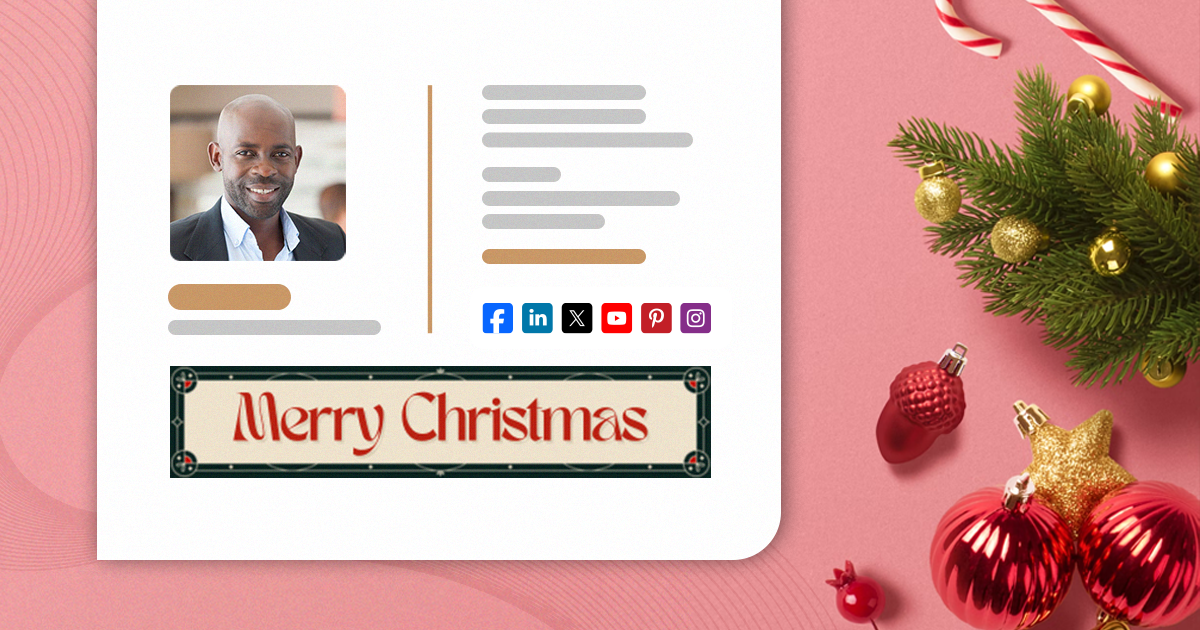
Free animated Christmas email signatures
December 04, 2024

Free animated Christmas email signatures

Yes, it’s that time of year. Almost everyone is getting ready for the holidays. Elves make their way to shelves, reindeer enter the spotlight and snowmen just stay frosty. Decorations find their way to almost every nook and cranny of homes and companies alike. Emails are no exception – it’s a great time to refresh your company email signature design. And if you want to do it in style, animated Christmas email signatures are the way to go. Check out our holiday-themed signature examples and get inspired. Best Christmas email signature examples We’ve prepared some Christmas email signature ideas for you. See our examples to get inspired and start crafting your animated email signature right away. All these designs are available in our free email signature generator, so changing your email signature should be easier than decorating a Christmas tree. See how to compose a perfect Christmas email signature Each of the designs below includes an animated banner designed in Canva. You can use our project to create your own email signature banner. For example, you can: change the animation however you like, add your logo or introduce colors that better match your brand, add a custom CTA, add your own holiday wishes. How to edit our Canva-made email signature banners? Let It Snow – an animated holiday beauty Add a “Merry Christmas” banner with snow falling from the sky and sparkling stars in the distance to immediately bring warmth and a sense of safety to mind: You can easily replace “Merry Christmas” on the banner with “Happy Holidays” or another festive greeting by using another design (also available in this Canva project): Feel free to add a custom CTA and a link to your Christmas campaign. Edit the signature banner in Canva Animated Christmas – attention-grabbing but classy Animated email signatures are perfect for catching attention. Even a slight animated element works wonders, especially when you refresh a design everyone has gotten used to. So, if you want your email signatures to be noticed but don’t want them to be to flashy, Animated Christmas is for you. Want to change something on the banner? Use our free Christmas banner Canva design to do that in just a few minutes! There are a few other great designs in the project as well. Just look at them go: Need more inspirations? Did you think that was it? That’s only the tip of a snowman’s nose! Check out our library of Christmas-themed signature ideas. A little bird tweeted us (because it couldn’t have X-ed us) that snowflake-shaped social media icons are one of the all-time favorites. Also, see this article to download a free bundle of Christmas banners for email signatures. Most of these banners are animated! How do animated banners work? Email signatures are peculiar. They’re built on HTML, but not the kind that allows you to do virtually anything. That’s why all non-standard elements need to follow certain rules if you want your email signatures to work across all email apps. That’s why, if you want an animated signature (holiday-themed or not), you’re forced to use GIFs. They’re supported in almost all popular email apps, except for some old-school ones like Outlook 2016. And yes, people still use it. If a certain email app doesn’t support animations, it will show the first frame of the GIF. That’s why we made sure the first frames of our
Read more »
How to design a professional email signature for freelancers
October 04, 2024

How to design a professional email signature for freelancers

If you’re a freelancer, you know that every interaction with your potential and existing clients counts. And whether you’re looking for high paying jobs or the most interesting offers, at some point, you will be exchanging emails. To make the most out of those interactions, you need to show professionalism from every angle. And email signature plays a crucial part here, especially for freelancers. Let’s start with showing you the best email signature designs for freelancers, then I’ll get deeper into the whys and hows of freelancer email signatures. Top freelance email signature examples Check out this gallery with some of the best freelancer email signature examples. They are all available in our free email signature generator. You can easily edit and adjust them to your or your clients’ needs. Focus on the layout that works best, because you can freely remove a banner, disclaimer or irrelevant social media buttons. Why do freelancers need to work on their email signatures? Freelancer job opportunities have been on the rise for years now. And with high popularity of freelancer platforms like Fiverr, Freelancer or Upwork, it’s easier to start out. At the same time, it means that the competition is getting fierce. No matter what kind of freelance projects you’re doing, more and more freelancers bid on the usual job offers. To land a job, you need to have the skills, sure, but it’s not enough. It’s just as important to be great at selling this to your prospects. You can do it by making your email signature stand out. No matter if you’re looking at entry or expert level job opportunities, a professional email signature is a perfect way to make a good impression. Think first impressions – when you’re reaching out to your new prospects and maintaining your image when you’re emailing with your current clients. Potential clients When reaching out to new clients, whether responding to some offers, or looking for opportunities, you need to show your best side. An email signature plays a vital role, as it tells a story about you in the way you want it to. Sounds simple, but the closer you look, the more questions you’ll have. That’s why I’ll give you a checklist with signatures that just work. Current clients When you’re emailing with your current clients, it’s best to focus on your availability and building a strong relation. Make sure that your email signature looks well even when you’re emailing from a mobile device. Also, compose the signature in such a way that no matter who gets the email, they will know who you are and what you do. It might turn out that someone at the company might need your services, too, except from your main point of contact. Make it easy for others to reach out to you. What to include in your email signature? Freelancer’s email signature is a mix between a personal and company email signature. On the one hand – it’s super important to promote your personal brand. On the other, as a freelancer you’re usually not a part of a specific company. If you are, your freelancer’s career probably focuses on some side hustles, and you won’t necessarily want to promote your affiliation with the main income source. So, it’s good to lead with the obvious basics and then use your secret weapon to seal the deal. Here’s what to include in your email signatures: First & last name. Unless you’re a superhero – t
Read more »
The rise of mobile email signatures
July 31, 2024

The rise of mobile email signatures

See how to make your email signatures look perfect on mobile devices and why is it so important.
Read more »
Go to articles list

Comments

  1. avatar
    Josh says:
    April 22, 2026 at 8:16 am

    I was looking for this exactly! Thank you very much, I am so tired of the slop and I want my emails to be read with the appropriate attention.

    Reply

Leave a Reply Cancel reply

Your email address will not be published. Required fields are marked *

Are you human? Please solve:Captcha


CodeTwo

About us
Blog
Our products
Why partner with us?
Guides & infographics
Follow us on:

Follow CodeTwo on Facebook Follow CodeTwo on Twitter Watch CodeTwo Channel on YouTube Watch CodeTwo Channel on Instagram Watch CodeTwo Channel on Pinterest
Powered by CodeTwo
Copyright 2026 CodeTwo
All rights reserved
Trademarks
Terms and Conditions
Privacy Policy
Cookie settings