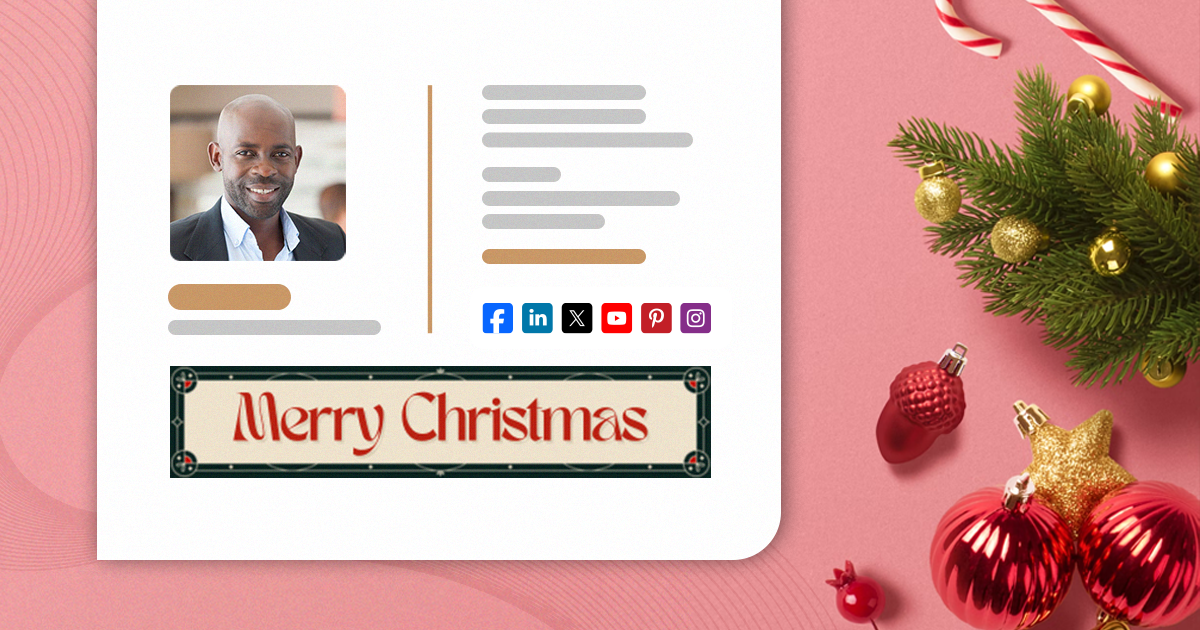
Free Christmas email signatures with animated elements
Mail-Signatures.com

  • Tips & guides
  • Tools
  • Signature templates
  • Signature generator
  • Contact
  • DE

Free animated Christmas email signatures

Yes, it’s that time of year. Almost everyone is getting ready for the holidays. Elves make their way to shelves, reindeer enter the spotlight and snowmen just stay frosty. Decorations find their way to almost every nook and cranny of homes and companies alike. Emails are no exception – it’s a great time to refresh your company email signature design. And if you want to do it in style, animated Christmas email signatures are the way to go. Check out our holiday-themed signature examples and get inspired.

Twitter test
Linkedin
Facebook
Facebook
Facebook
Written by Kamil Glaser

Posted: December 4, 2024

Christmas 2024 free, animated email signatures customizable in Canva

Best Christmas email signature examples

We’ve prepared some Christmas email signature ideas for you. See our examples to get inspired and start crafting your animated email signature right away. All these designs are available in our free email signature generator, so changing your email signature should be easier than decorating a Christmas tree.

See how to compose a perfect Christmas email signature

Each of the designs below includes an animated banner designed in Canva. You can use our project to create your own email signature banner. For example, you can:

  • change the animation however you like,
  • add your logo or introduce colors that better match your brand,
  • add a custom CTA,
  • add your own holiday wishes.

How to edit our Canva-made email signature banners?

Let It Snow – an animated holiday beauty

Add a “Merry Christmas” banner with snow falling from the sky and sparkling stars in the distance to immediately bring warmth and a sense of safety to mind:
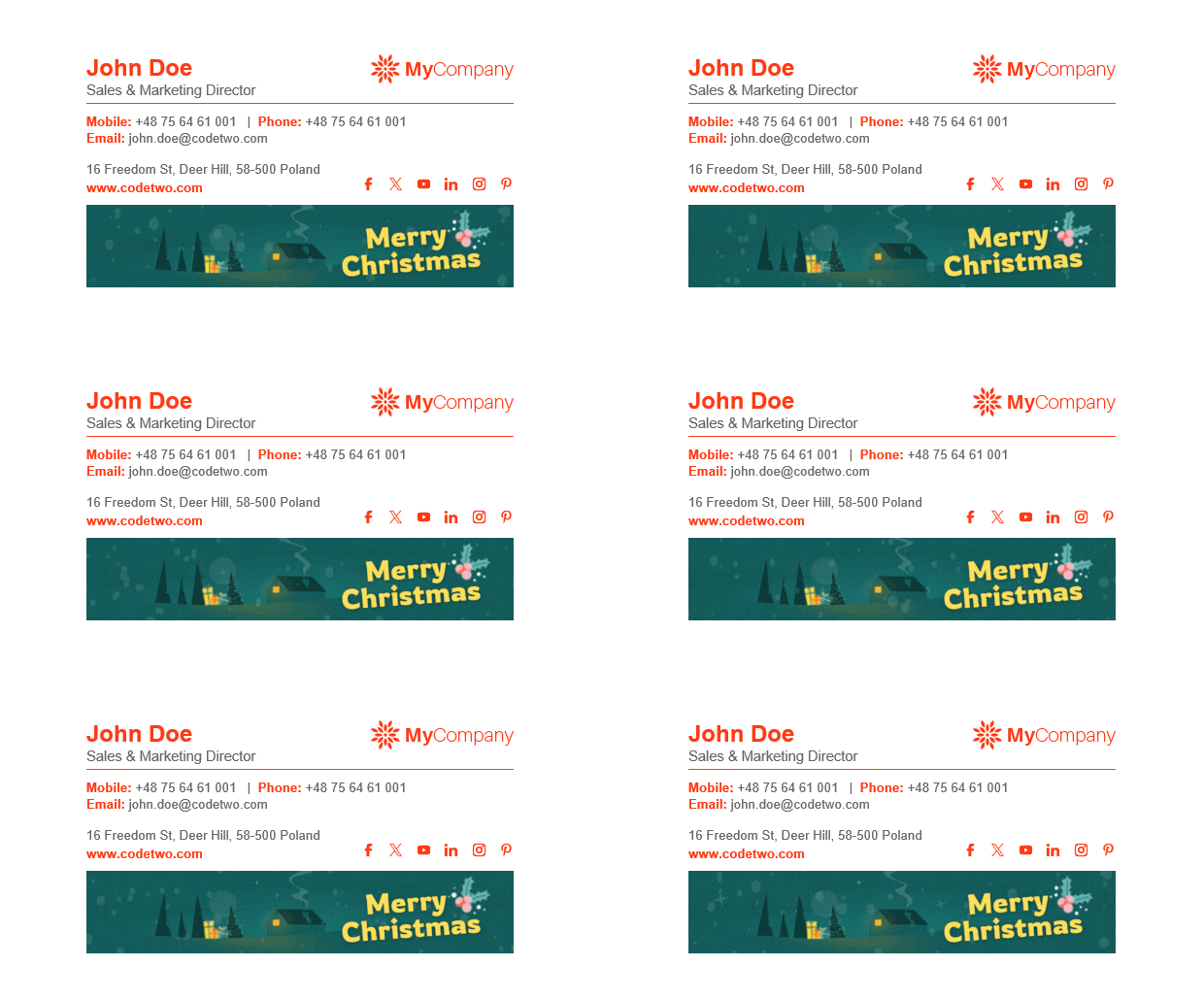
Let it snow free & animated Christmas email signature

You can easily replace “Merry Christmas” on the banner with “Happy Holidays” or another festive greeting by using another design (also available in this Canva project):

Happy holidays editable in Canva free banner - animated!

Feel free to add a custom CTA and a link to your Christmas campaign.

Edit the signature banner in Canva

Animated Christmas – attention-grabbing but classy

Animated email signatures are perfect for catching attention. Even a slight animated element works wonders, especially when you refresh a design everyone has gotten used to. So, if you want your email signatures to be noticed but don’t want them to be to flashy, Animated Christmas is for you.
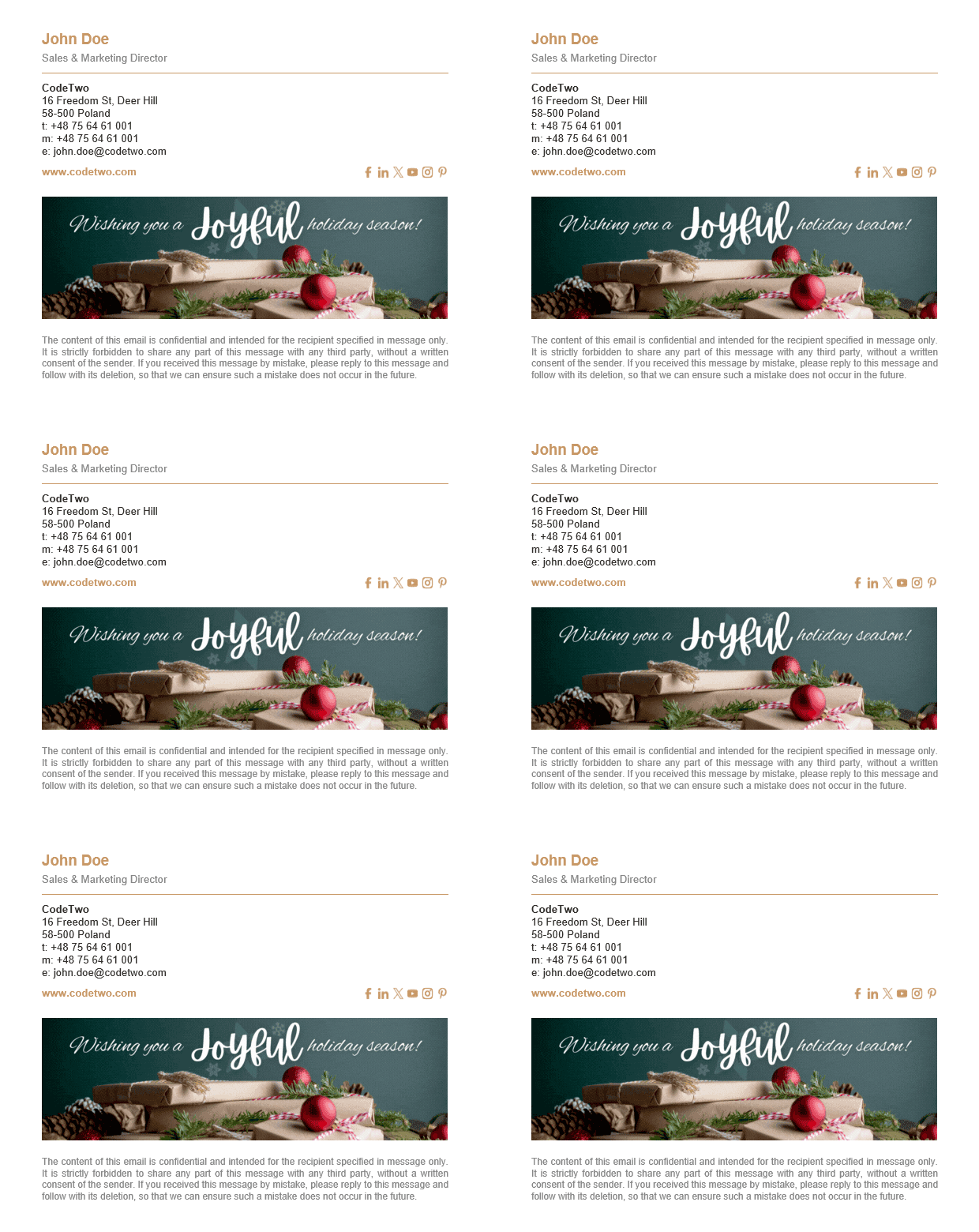
Joyful Christmas email signature template with animated banner

Want to change something on the banner? Use our free Christmas banner Canva design to do that in just a few minutes! There are a few other great designs in the project as well. Just look at them go:


Holiday season editable free banner - animated!
Holiday wishes editable free banner - animated!

Need more inspirations?

Did you think that was it? That’s only the tip of a snowman’s nose!

Check out our library of Christmas-themed signature ideas. A little bird tweeted us (because it couldn’t have X-ed us) that snowflake-shaped social media icons are one of the all-time favorites.

Also, see this article to download a free bundle of Christmas banners for email signatures. Most of these banners are animated!

How do animated banners work?

Email signatures are peculiar. They’re built on HTML, but not the kind that allows you to do virtually anything. That’s why all non-standard elements need to follow certain rules if you want your email signatures to work across all email apps.

That’s why, if you want an animated signature (holiday-themed or not), you’re forced to use GIFs. They’re supported in almost all popular email apps, except for some old-school ones like Outlook 2016. And yes, people still use it.

If a certain email app doesn’t support animations, it will show the first frame of the GIF. That’s why we made sure the first frames of our Christmas email signature GIFs look great even as static images. If you decide to create your own animations, it’s better to stray from fade-in effects that start with an empty background. While they might look nice, there’s a risk they will not appear as you intended in some cases.

More on animated gifs in email signatures

Be careful!

These signature designs come with a high risk of spreading joy in the workplace. Before you use them, read the following information and notify your brand manager or supervisor.

There are some things you should keep in mind when using animated email signatures. Animated GIFs are quite heavy. If you’re using our free email signatures generator, the GIFs are hotlinked or hosted, which doesn’t increase the email’s size. Still, after your recipients open the email, the banner’s loading time might be noticeable. If you make some changes on your own and embed those banners into your email signature, you’ll notice that your mailbox size grows faster than usual.

Linked vs embedded images in email signature – what’s the deal?

There’s another thing. While an animated banner isn’t malicious and is usually sent with good intentions in mind, there are scenarios when it might slightly increase your chances of getting caught by spam filters.

Keep in mind that it’s not the banner per se that puts spam filters on guard. Filters rate emails based on a variety of factors, such as certain keywords in the email body, image-to-text ratio and, above all, the links included in the message.
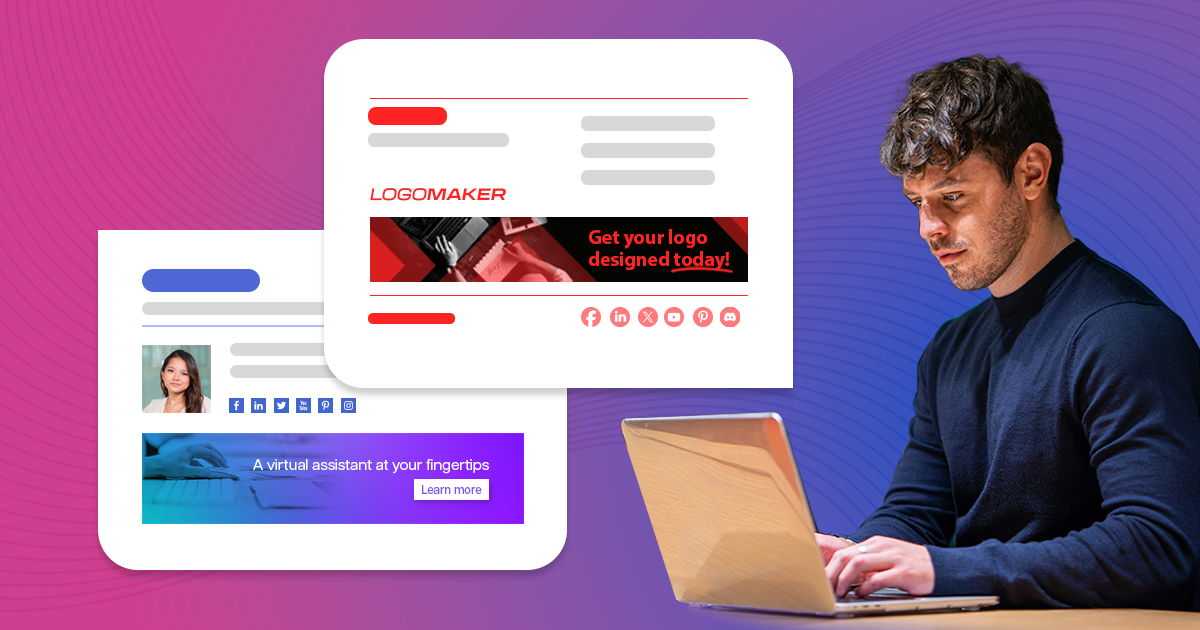
Facts and myths about email signatures vs spam filters


Recommended articles

Human or bot? Mark your emails with “Human-written” badges
May 05, 2025

Human or bot? Mark your emails with “Human-written” badges

Download free, white-label badges to add to your email signatures. These badges inform your recipients you are a human.
Read more »
How to design a professional email signature for freelancers
October 04, 2024

How to design a professional email signature for freelancers

If you’re a freelancer, you know that every interaction with your potential and existing clients counts. And whether you’re looking for high paying jobs or the most interesting offers, at some point, you will be exchanging emails. To make the most out of those interactions, you need to show professionalism from every angle. And email signature plays a crucial part here, especially for freelancers. Let’s start with showing you the best email signature designs for freelancers, then I’ll get deeper into the whys and hows of freelancer email signatures. Top freelance email signature examples Check out this gallery with some of the best freelancer email signature examples. They are all available in our free email signature generator. You can easily edit and adjust them to your or your clients’ needs. Focus on the layout that works best, because you can freely remove a banner, disclaimer or irrelevant social media buttons. Why do freelancers need to work on their email signatures? Freelancer job opportunities have been on the rise for years now. And with high popularity of freelancer platforms like Fiverr, Freelancer or Upwork, it’s easier to start out. At the same time, it means that the competition is getting fierce. No matter what kind of freelance projects you’re doing, more and more freelancers bid on the usual job offers. To land a job, you need to have the skills, sure, but it’s not enough. It’s just as important to be great at selling this to your prospects. You can do it by making your email signature stand out. No matter if you’re looking at entry or expert level job opportunities, a professional email signature is a perfect way to make a good impression. Think first impressions – when you’re reaching out to your new prospects and maintaining your image when you’re emailing with your current clients. Potential clients When reaching out to new clients, whether responding to some offers, or looking for opportunities, you need to show your best side. An email signature plays a vital role, as it tells a story about you in the way you want it to. Sounds simple, but the closer you look, the more questions you’ll have. That’s why I’ll give you a checklist with signatures that just work. Current clients When you’re emailing with your current clients, it’s best to focus on your availability and building a strong relation. Make sure that your email signature looks well even when you’re emailing from a mobile device. Also, compose the signature in such a way that no matter who gets the email, they will know who you are and what you do. It might turn out that someone at the company might need your services, too, except from your main point of contact. Make it easy for others to reach out to you. What to include in your email signature? Freelancer’s email signature is a mix between a personal and company email signature. On the one hand – it’s super important to promote your personal brand. On the other, as a freelancer you’re usually not a part of a specific company. If you are, your freelancer’s career probably focuses on some side hustles, and you won’t necessarily want to promote your affiliation with the main income source. So, it’s good to lead with the obvious basics and then use your secret weapon to seal the deal. Here’s what to include in your email signatures: First & last name. Unless you’re a superhero – t
Read more »
The rise of mobile email signatures
July 31, 2024

The rise of mobile email signatures

See how to make your email signatures look perfect on mobile devices and why is it so important.
Read more »
Go to articles list

Leave a Reply Cancel reply

Your email address will not be published. Required fields are marked *

Are you human? Please solve:Captcha


CodeTwo

About us
Blog
Our products
Why partner with us?
Guides & infographics
Follow us on:

Follow CodeTwo on Facebook Follow CodeTwo on Twitter Watch CodeTwo Channel on YouTube Watch CodeTwo Channel on Instagram Watch CodeTwo Channel on Pinterest
Powered by CodeTwo
Copyright 2026 CodeTwo
All rights reserved
Trademarks
Terms and Conditions
Privacy Policy
Cookie settings