


Animated GIFs have made their way to email signatures. That’s great – a well-designed animation appeals directly to our lizard brain, making us notice a moving object much easier than any static image. What’s not so great is that the line between “attention-grabbing” and “extremely annoying” is finer than you might think.
Behold of the ultimate guide to animated GIFs and animated PNGs in email signatures. Learn whether you should use them at all, how to add them, and how to make sure they won’t backfire.
Just looking for some examples to get inspired? Here are our 5 newest animated email signature designs
Technical explanation of animated GIFs
In general, animated GIFs are one of the simplest forms of animation. Technically speaking, a GIF is a set of images(or frames) shown in a sequence to imitate movement. If you dissect a GIF, each of its frames will include an image and its timing data. Finally, a GIF file has a “flag” that determines whether the animation should loop infinitely, or just once. Of course, there is more to GIFs than that, but from the perspective of email signatures – that’s all you need to know.
A GIF’s simplicity is its strong suit. There are tons of animated GIFs on the Internet, and creating one of your own isn’t rocket science. There are both free and paid products that let you design those simple animations. One of the better examples is Canva.
Because the GIF format is so simple, and because GIFs don’t require sophisticated codecs or scripts, they are supported nearly everywhere. On the other hand, since each frame is a separate image, your GIF’s size might skyrocket even when it seems that not much happens. For example, before I knew what I was doing, I’d tried making a smooth transition between two small JPG photos. Despite the small format and a short animation, I managed to get it to 20 MB. You need to keep that in mind while designing to prevent performance issues.
But wait, I promised to cover animated PNGs as well and there’s a clear tendency towards animated GIFs in the article. How so? Well, let me explain…
Animated GIF vs animated PNG
An animated PNG (APNG) is a strong alternative to your common animated GIF. Animated PNGs can work with the *.apng file extension or a simple *.png. It’s better in almost every aspect. Just look:
| Type of file | animated GIF | aPNG |
|---|---|---|
| Supported colors | 256 | over 16 million |
| Semi-transparency | not supported | supported |
| File size | comparable | comparable |
To sum up, most animated PNG files will look incomparably better than their GIF versions while having a similar file size. There’s just one catch: APNG files are not as universally supported. Your standard-issue GIF works pretty much everywhere, while animated PNGs should be supported in up-to-date versions of all major browsers, including Mozilla Firefox, Google Chrome, Microsoft Edge, Safari, Brave and Opera. As for Internet Explorer – let’s not summon the dead.
Animation support in web browsers is pretty solid nowadays, but email apps can be a different story – especially when it comes to APNGs.
Supported email apps
When it comes to sending animated GIFs – each email client that supports HTML format will do. If you send your message in plain text, it will not do. But no static images would work in this scenario, either.
Currently, most email clients support animated GIFs on the receiving end as well. Have a look below for a list of email clients that should have no problem displaying animations:
| Type of animation | Animated GIF | Animated PNG (*.apng) |
|---|---|---|
| Up-to-date classic Outlook for Windows | ✔️ | ❌ |
| Outlook 2007-2016 | ❌ | ❌ |
| New Outlook for Windows | ✔️ | ❌ |
| Outlook for Mac | ✔️ | ✔️ |
| Outlook on the web | ✔️ | ❌ |
| Outlook for Android | ✔️ | ✔️ |
| Outlook for iOS | ✔️ | ✔️ |
| Mail App on iOS | ✔️ | ✔️ |
| Apple Mail App (version 16.0) | ✔️ | ✔️ |
| Gmail (browser) | ✔️ | ❌ |
| Gmail Android app | ✔️ | ✔️ |
| Mozilla Thunderbird | ✔️ | ✔️ |
| Proton Mail (browser) | ✔️ | ✔️ |
| Yahoo Mail (browser) | ✔️ | ✔️ |
Did I not mention your email app? Let me know in the comments!
As you can see, all web-based email clients (like Outlook on the web (OWA), Outlook.com, Gmail, or Yahoo) should have no issues displaying animated GIFs. Mobile Outlook versions and native Android and iPhone mail apps also display animated GIFs normally. When it comes to an animated PNG, there’s no guarantee your recipients will ever see it move. If an APNG doesn’t animate, a thoughtfully designed first frame will still look much better than a static GIF, especially in dark mode.
When it comes to desktop versions of Outlook, the matter requires a bit of explanation.
How classic Outlook might play your animated GIFs
Outlook is a kind of rollercoaster when it comes to displaying animated GIFs:
- The newest versions of Outlook for Microsoft 365, Outlook 2019 (and newer) and (surprisingly) Outlook 2003 support GIFs natively.
- Hovering over a GIF shows a play/pause button.
- Older builds may display only the first frame with a play button overlay or…
- Play the GIF 3 times, then freeze.
- GIF playback may be blocked or enabled at File > Options > Advanced > Display > Play animated GIFs.
Any Outlook version between 2003 and 2019 doesn’t support animated GIFs. The only way to see the animation there is to use the “view in browser” option.
It’s not the complete list of supported email clients. But it’s not the point. The point is, either because of your recipient’s email client version or because of non-default settings, the animated GIF or APNG might not be animated at all. If you want to animate your logo, you have to ask yourself whether or not you are willing to risk the most important element of your design not showing up, and what to do if it is not animated after all. The first frame of the GIF/PNG is the key.
Pros and cons of animated GIFs in email signatures
Before you throw a bunch of animations into your email signature, it is worth looking at the pros and cons. Or, more precisely, the possible benefits and risks of using animated GIFs in email signatures. You are more likely to benefit from the right kind of GIF and risk more with the wrong kind of GIF.
Possible benefits
Mind that an animated GIF will not magically make all the following benefits come true. Even if you add a magic wand as part of your animation. You need to carefully compose your email signature as a whole and manage to get it to comply with your visual identity.
- Bring attention to your marketing campaigns. Sometimes, a slight movement is enough to make your potential customer’s eyes catch the glimpse of your newest special offer.
- Show your clients you can email like a pro. The right kind of GIF – a smooth and aesthetic animation, which goes well with the rest of the signature, is likely to give the professional vibe and leave a long-standing feeling of trust. That is the ultimate reason for using professional email signatures.
- Say more than a static image does. Obviously, animations have more potential than static images. Thanks to this, you can use GIFs for more than just grabbing attention. With enough creativity, you can, for example, show what your company does, or voice its mission.
- Your rite of passage into the world of animation. An animated logo works great, for example, as a part of your product video. When you animate it to use in an email signature, you can reuse it in many different ways, including various landing pages, product videos, and more.
If you decide to add animated email signatures to your communication, it’s best to unify your email signatures across the organization. This creates unified branding and sends a message that your business is professional. Learn more about email signature automation
Risks
Not cons – risks. They all depend on your audience, design choices, and whether you read the Tip section carefully.
- Animated GIFs can be annoying. In fact, it is extremely easy to make an annoying GIF. If you don’t believe me, try to focus on a complex problem or anything serious while something is blinking and moving and jumping in the corner of your eye.
- Your recipients might not see the animation. As I mentioned above, there are some email clients which do not support animated GIFs. Even less apps support animated PNG files. Additionally, recipients might use an option or an add-in for the exact purpose of blocking animations. Why? For starters, take a look at the risk number 1 above. Because of that, you need to make sure you know what happens when someone receives your email (see the tips section below).
- Animated email signatures can greatly increase emails size. As I mentioned, it is easy to make huge-sized animated GIFs. If you embed them into your email signature, you can get caught by spam filters. It can also cause your emails to load for a long time and overburden your and others’ mailboxes. If you host your GIFs and add them as linked images, the email size should stay low, but you won’t resolve the slow-loading issue and you still might trigger anti-spam filters and other protective mechanisms.
Tips on using animated GIFs
Be subtle
Even the greatest animation, repeated enough times, will make your recipients pull their hair out. Or report you as a spammer and a threat to society. To make sure you are not overdoing it, open a window with your animated GIF next to your emails and see whether it makes your eyes happy (or makes you trigger-happy).
Infinite-loop or one-time animations?
Both options can work well in email signatures. One-time animations offer more room for creativity but are easily missed. With infinite loops, you need to be more careful not to make them too fast or frequent.
Mind the size!
Even a basic animation can easily exceed 1 MB, which is already borderline for email signatures. Large files may cause emails to lag or get blocked by spam filters. Keep it simple and optimize the size. You don’t want to break the Internet, do you? Read more on email signature etiquette
Don’t forget about dark mode!
Lack of semi-transparency (or partial transparency) can hurt your design especially in dark mode. Smooth edges are nearly impossible to achieve. You could counter it by using animated PNGs instead, but those files are not universally supported.
In short, you’ll need to either sacrifice full dark mode compatibility or play it smart with the right kind of animated GIFs. Learn more about email signatures vs dark mode
What to start with?
A logo that appears out of nowhere might seem as a great place to start. But while it has a high “looks real nice” potential, it’s risky in case of signatures. It might end up with your recipients seeing only a blank square: no animation or even a static image. You can counter it by displaying the logo in its full glory on the animation’s first frame and make it disappear and reappear later in the loop. Experiment with it a bit.
What to end with?
While it may sound too obvious, it’s usually best to end with the same frame as the first one to ensure a smooth loop. If you skip this step, your animation will probably look awkward or unpolished.
Easy on the gradient
Color support is rather limited for GIFs. No wonder since the first GIF made its debut in 1987. That’s why gradients are risky. It’s not easy to make a smooth color transition. Solid colors are generally a better choice.
Test your email signature
Test before rolling out. Look for quality loss, glitches and artifacts. GIFs are incredibly prone to these issues.
How to add an animated GIF to your email signature?
Now, this part is simple. You add them exactly how you would add a static PNG or JPG image.
For tips on how to add them as linked images, take a look at Direct link to a hosted image in email signatures. Then, you can add your GIFs to an email signature design of your liking, using the free email signature generator. Thanks to that, you can easily create a professional email signature which looks and works well.
Examples of animated GIFs in email signatures
You can use the sample animated GIFs below as a reference point and inspiration for your own projects. Or to get an idea of “what works” for email signatures. All of the following GIFs play on infinite loop because that’s the most natural setup for animated email signatures.
You can find all those signature designs in our free email signature generator!
BeaseFox animated signature

The BeaseFox logo shows that you don’t have to create complex animations to grab your recipients’ attention. Three simple animated actions make you notice the logo. At the same time, the short animation, together with a longer pause, lets your recipients stay focused instead of being constantly distracted. It is also crucial for the animation to go together with the rest of the design – the animated GIF has just the right size and uses similar colors.
PadBox animated logo
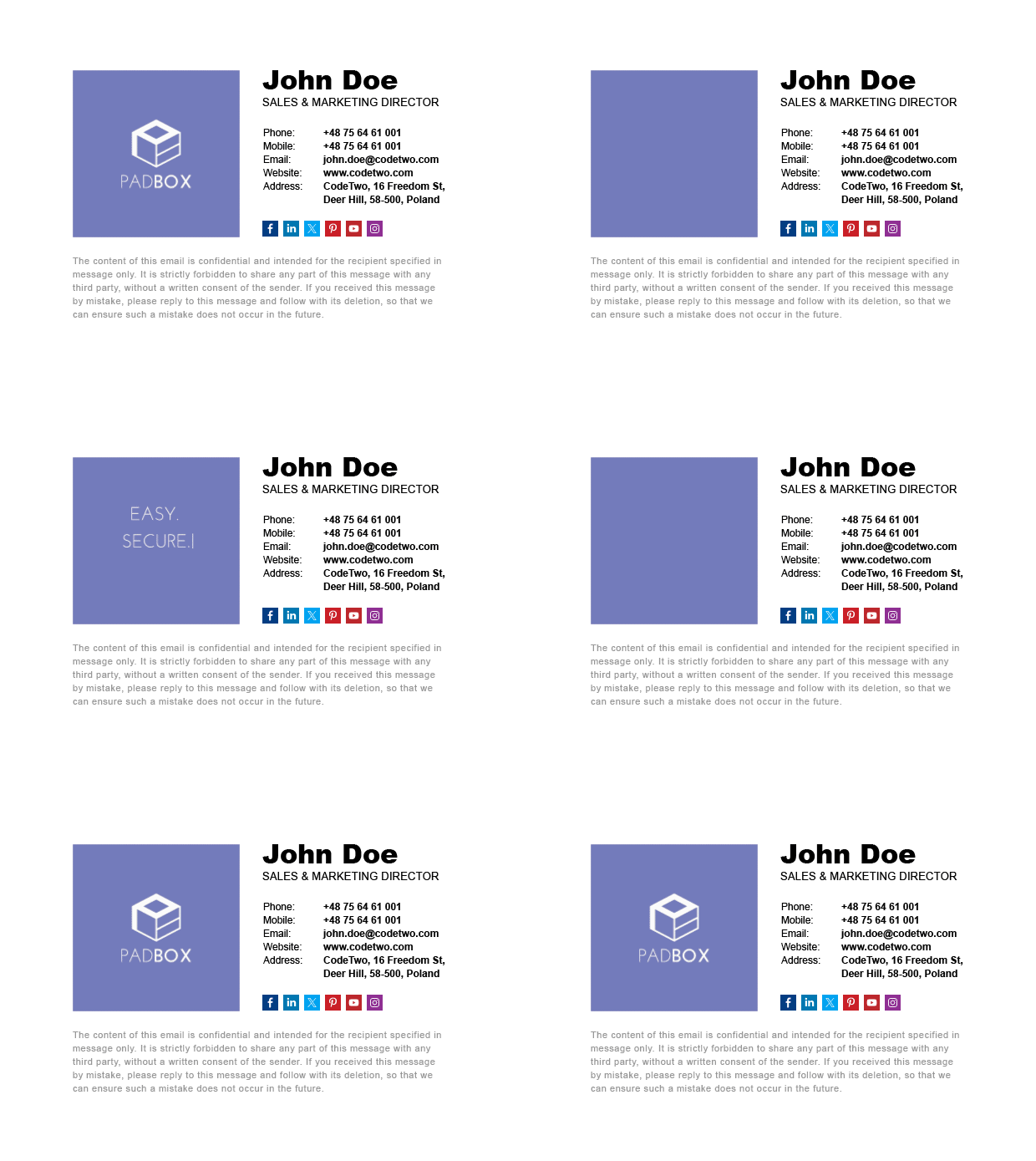
The animated logo above is more complex. Thanks to greater GIF dimensions, it is possible to say more. An animation like this one will work especially well for short, informational emails. When using GIFs with disappearing effects, it is crucial to set the first frame to the complete logo in case the recipient does not display animations. What’s more, the format of this GIF, with a full-color background included, doesn’t suffer when viewed in the email apps’ dark mode!
BotClock animation

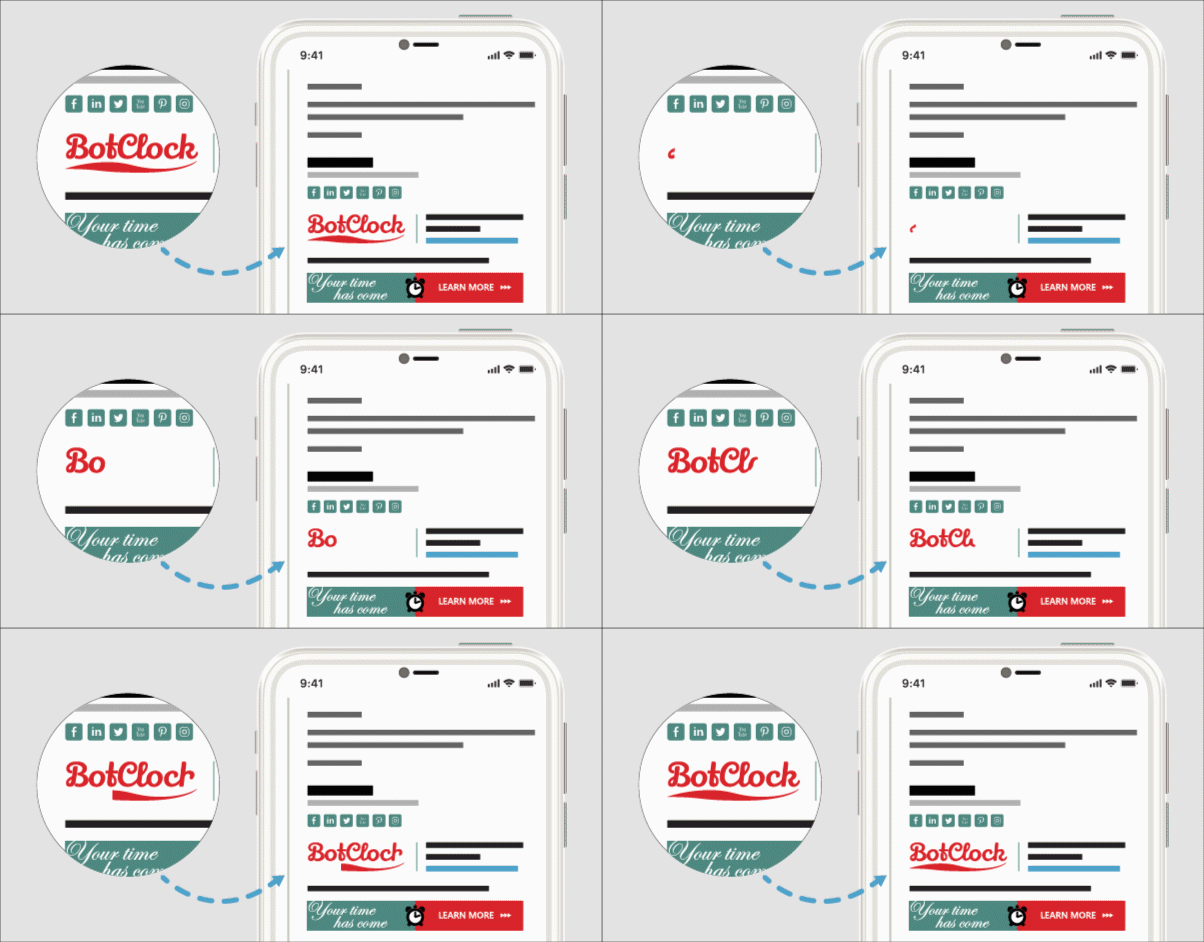
The BotClock logo includes a short writing animation. Such animations will work especially well if your logo contains calligraphy text. Placing linked social media icons next to the logo increases the chances of your recipients visiting your profiles. And yes, people often do that to verify who they are dealing with, so make sure to link where you’re the most active.
StreamWatch animated signature
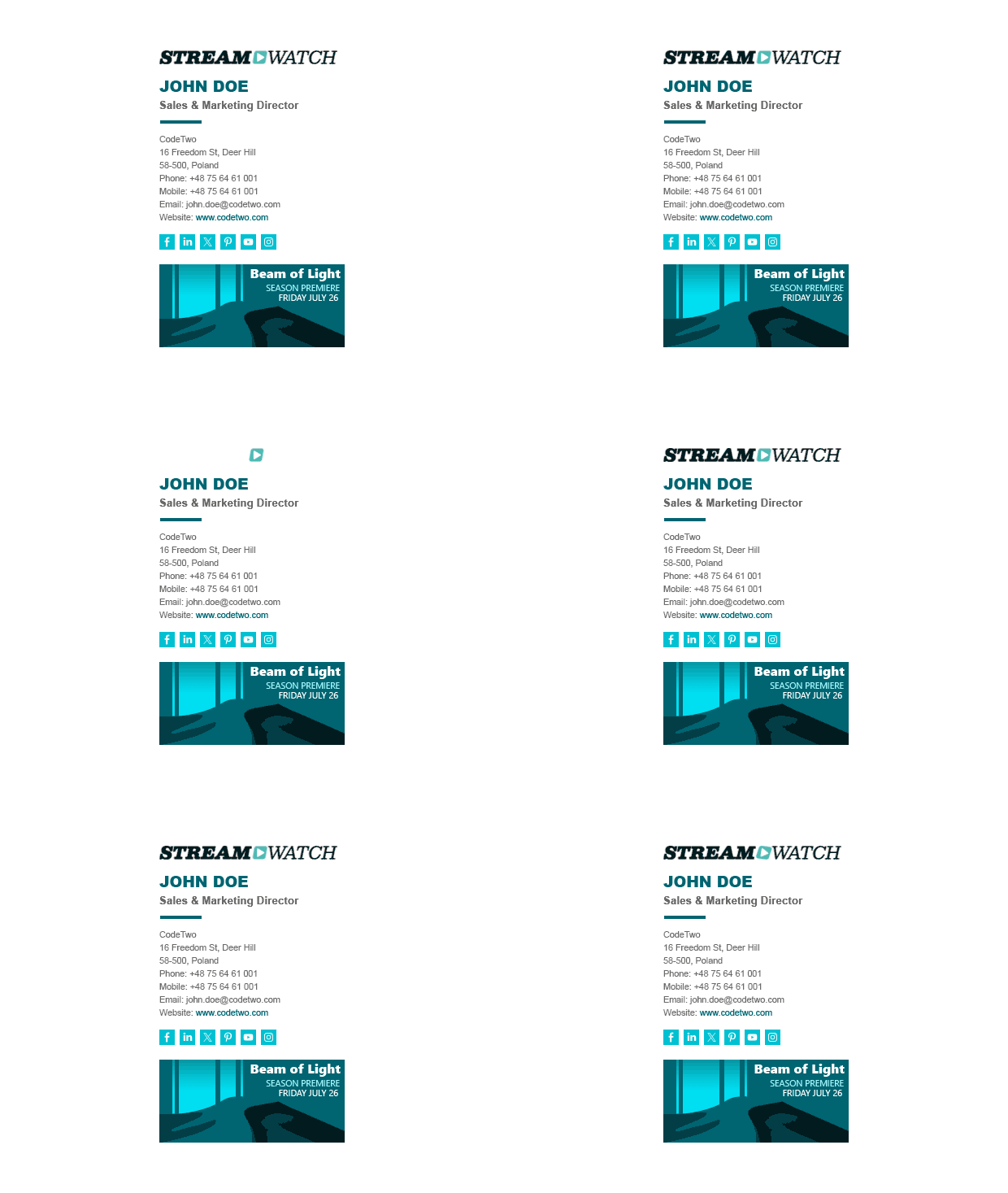
The Streamwatch animated logo is subtle, but at the same time it catches the eye. Because the logo does not take up the most of the signature’s design, it is easy to focus on other elements, especially the banner. Use it to promote your products, services, or content. This sleek layout looks especially good on mobiles.
The easiest way to create an animated email signature
All those animated examples are available in our free email signature generator. You can use any of our email signature designs to create your own animated email signature. The only thing you need is your own animated GIF.
Looking for more inspirations? Here you go!
Want to learn more about email signatures? Take a look at our knowledge base to learn all there is to know about email signatures.
Read more:
Fantastic read on Animated GIFs in Email Signatures! 💌✨ This blog post brilliantly explores the dynamic world of email signatures and how a well-crafted animated GIF can turn a static sign-off into a memorable brand statement. The examples provided are not only visually engaging but also showcase the versatility of GIFs in conveying personality and professionalism. Kudos to the author for shedding light on this creative aspect of email communication. Excited to experiment with animated signatures and make my emails stand out!
very informative guide keep it up
Hi there!
Any idea on how to add the gif signature to an app in Android?
I tried several apps but no luck.
Thanks in advance.
—
Harold
Hi Harold,
The most popular Android email clients don’t support HTML email signatures, which means they won’t be able to handle any kind of image. If you use Gmail as your mailing platform, you can open its web client on the mobile Chrome app as the browser version does support HTML email signatures. Otherwise, you can bypass this by adding company-issued server-side signatures with one of our tools.
Thank you for the free service you are offering but an animated gif in your templates works on various email platforms but does not seem to work if your uploading the email signature from your phone into your email signature setting wondering if there is a work around this?
Which email client are you using, exactly? Some mobile email clients don’t support HTML email signatures, which means they won’t be able to handle any kind of image. Unless you add company-issued server-side signatures using one of our tools.
Appreciate it for sharing the information with us.