Why use email signature surveys?
To effectively collect feedback, you need to choose a channel that is both trusted by target recipients and lets you reach the largest audience possible. And email has it all.
It’s quite possible that you already use email to handle many different matters from support requests, through products sales and marketing campaigns, to complaints. Consequently, your customers are used to this channel and trust it. You could abuse this trust by mass emailing links to old-fashioned customer satisfaction surveys:
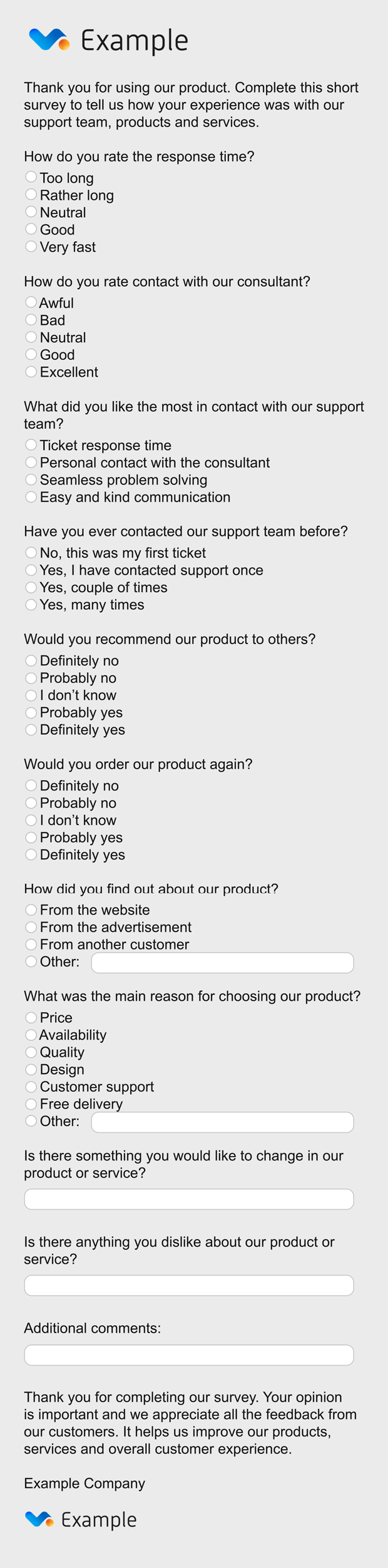
Or you could be smart about it. Below, I’ll show you how to do it right.
Which surveying method should I choose for emails?
Nowadays, collecting feedback isn’t easy. People are usually preoccupied with multiple tasks & in a constant hurry. Most of the time, they don’t care about giving feedback, unless you drive them really mad or offer them some kind of incentive to thank them for their time. Taking those into account, you are most likely to succeed in collecting feedback only if you choose the method that’s the least of a nuisance & time-consuming to your customers – just have a look at this short video:
As you can see, one-click surveys are one of the best ways to go because they are really quick and simple. Apart from that, there are NPS (Net Promoter Score) surveys that also let your customer express their opinion in a matter of seconds, but in a slightly different way. Here, a brief explanation is needed.
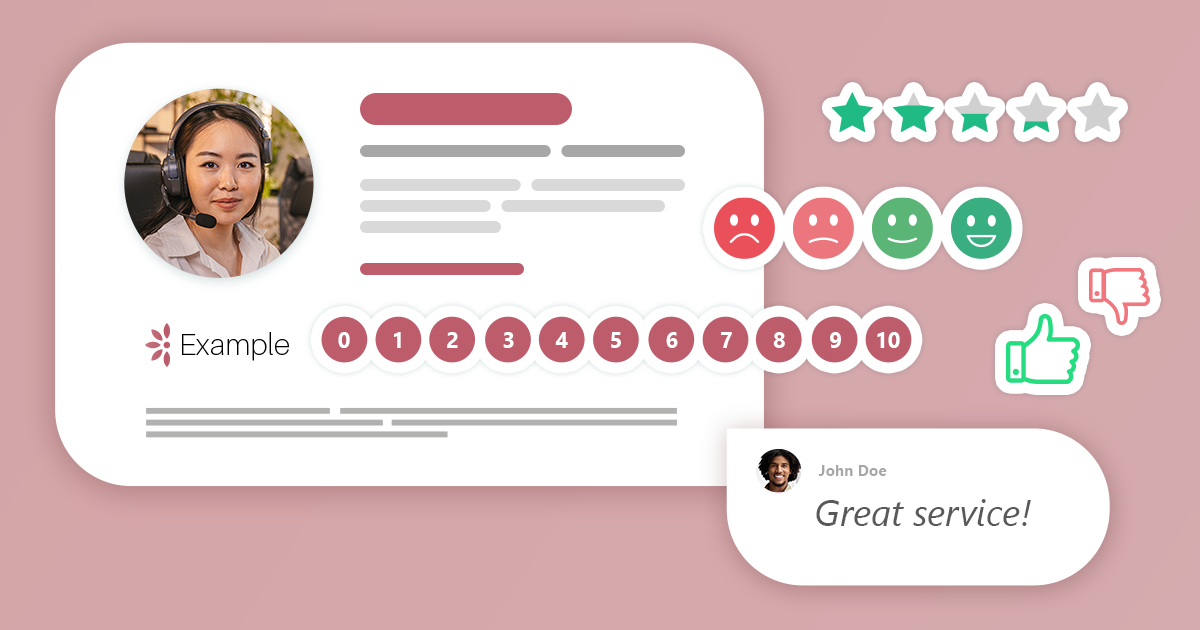
With one-click surveys, an email recipient needs to simply click one of the options, usually represented by ‘faces’ or other icons that they can easily relate to their attitude or feelings. A sample survey looks something like this:
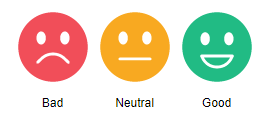
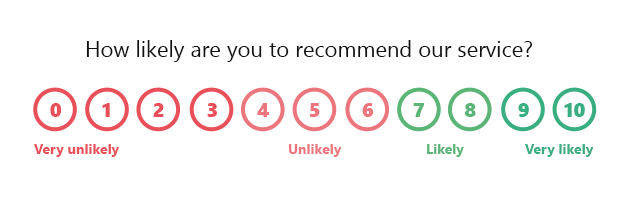
An NPS (Net Promoter Score) survey is similar – one click is enough to share your opinion. The difference is that there’s a numeric scale (usually from 0 to 10) to choose from. An NPS design is usually based on numerals, but can also include icons – just like in case of one-click surveys. Here’s an example of an NPS:
How to practically approach email signature feedback?
When talking about email contents (or body), there are essentially 2 main parts of an email: your message and your signature. In most cases, the message should stay intact to make it easy to focus on. The email signature, on the other hand, is a perfect place to include a one-click survey.
You can approach email signature feedback in two ways:
- Include a one-click survey in your basic email signature – that way, your customers will have a chance to give their opinion in each email they receive from you.
- Prepare a separate email signature with a one-click survey – that way, you will be able to use the signature only when you actually need to collect feedback. For example, after you sell a product, close a support case, and so on. There are certain advantages that come with this approach. Firstly, you won’t overwhelm your customers with repetitive feedback requests that might push them to ignore your survey in a longer term. Secondly, your email threads will be shorter and easier to follow if your email signature is simpler.
Email signature survey inspirations
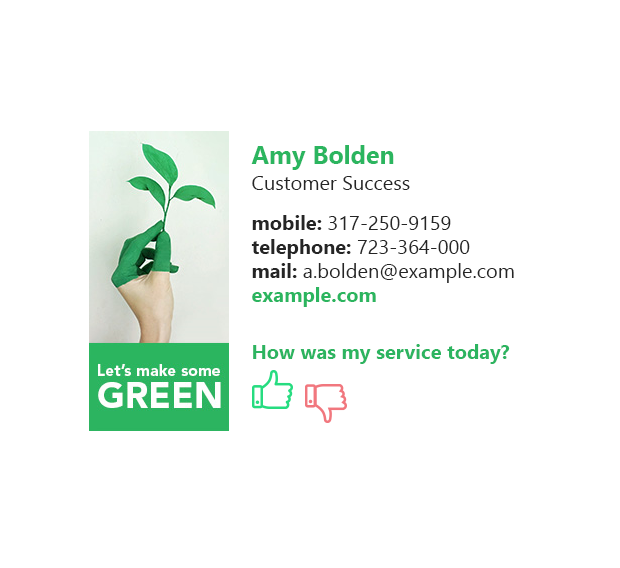
Here you’ve got an email signature with the simplest form of a one-click survey. Your user doesn’t have to extensively figure out the possible options, but just choose if they ‘like’ or ‘not like’ your service, product, etc. Use this two-option design to provide the easiest experience possible to users and collect only the basic data on the extreme ends of the scale.

This five-option survey added to your email signature might be a good source of more differentiated feedback. In contrast to the previous example, it lets you learn about more moderate as well as neutral feelings of your customers, while still being relatively easy for the email recipients. Use it to get more comprehensive dataset for analysis.
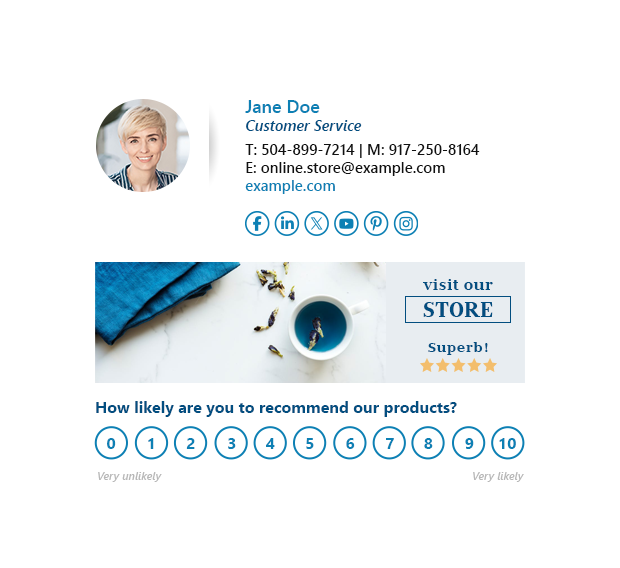
While an NPS survey requires a little bit more engagement on your customers’ part, it gives you even more precise data on the customers’ attitudes. NPS surveying is closely related to measuring customers’ loyalty and should be used for this very purpose.
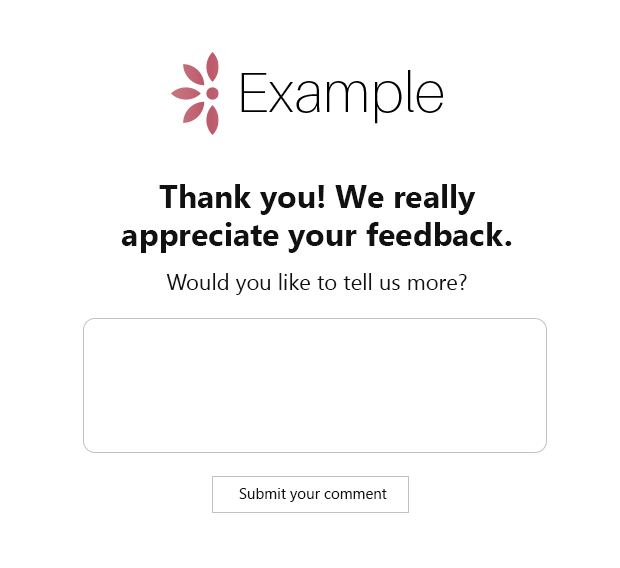
When you configure a one-click survey or an NPS survey, you might also decide to design a special feedback form customers will see after they click a survey option. Using the form, a customer can optionally share comments about your service, product, organization, etc. Not everyone will add their comments, but those who do, will probably give you precious insights, highlighting the areas for improvement.
One-click surveys with CodeTwo Email Signatures 365
While there are a lot of solutions that let you design one-click or NPS surveys, you might be interested in testing a tool that combines top-notch email signature management with email surveying & analytics. CodeTwo Email Signatures 365 is definitely a ‘kill two birds with one stone’ solution that lets you:
- Create customizable one-click surveys for multiple scenarios.
- Prepare a thank-you page to share optional comments after taking a survey.
- Seamlessly integrate the surveys with an email signature or multiple signatures, depending on your scenario and approach.
- Review and analyze the results with a powerful CodeTwo Insights analytics dashboard.
- Centrally manage both email signatures and email signature surveys for all users in your organization.
You can start testing CodeTwo One-click surveys (and Insights) right now by signing up for a free 14-day trial (no credit card required). With CodeTwo Email Signatures 365, you can manage email signatures, one-click surveys, automatic replies, and more. To learn about all the possibilities, visit the program’s website.