


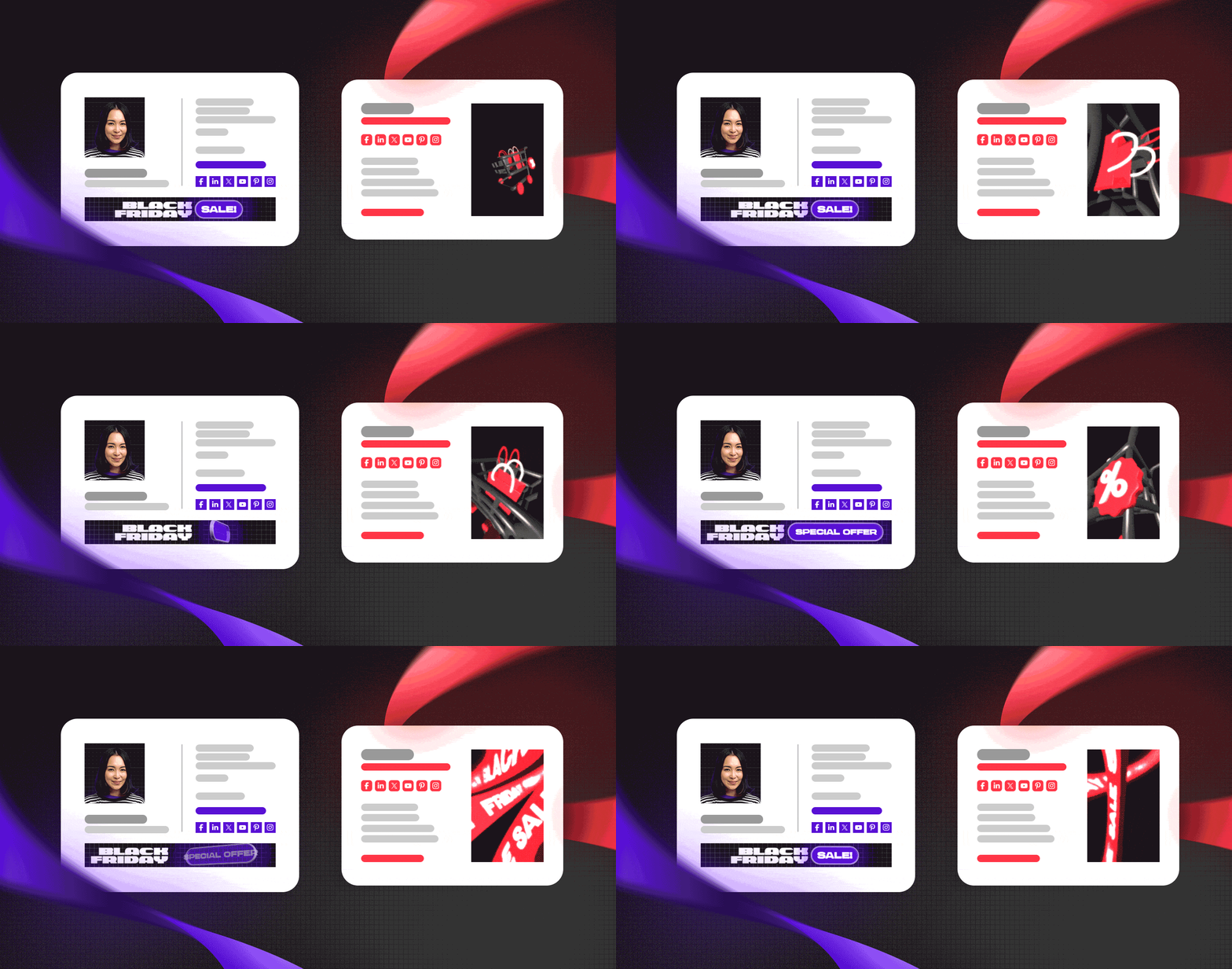
Why use Black Friday email signatures
Black Friday is now a staple of the shopping calendar. With Black Friday ads cropping up all over the internet for weeks leading up to the big day, standing out from the competition and attracting customers to your offers can be quite a challenge. Thankfully, this is where email signatures come in handy.
Professional email signatures with promotional banners are a smart way to go beyond traditional Black Friday ads. Here are a few reasons to give them a try:
- Every email becomes a marketing opportunity. Black Friday email signatures are an effective marketing channel that requires little extra effort or maintenance. You simply send your emails, and the ads are already there.
- Email signature campaigns can be more noticeable than regular ads. Instead of competing with dozens of ads on a crowded website, your email signature can become the most prominent visual element in your message, immediately catching your recipient’s eye.
- Email signatures are way more personal. People often like to know who’s behind the products or services they’re buying. As part of a message from someone your recipients can easily identify, your Black Friday email signature banner can work wonders for promoting your deals – especially when paired with a matching profile photo.
And here’s the best part: to help you get started, we’ve just expanded our collection of free Black Friday email signature templates. It’ll only take you a few clicks to customize your favorite design in our email signature generator and add it to your email app. All the Black Friday templates will stay in our library forever, but don’t wait too long to use them – Black Friday is just around the corner!
Animated Black Friday email signature templates
Our new templates feature an animated Black Friday banner and social media icons to help you reach new customers with ease. Whether you’re looking for a full-size design or a mobile-friendly vertical template, we’ve got you covered.
Black Friday Sale – impress your customers with an animated email signature
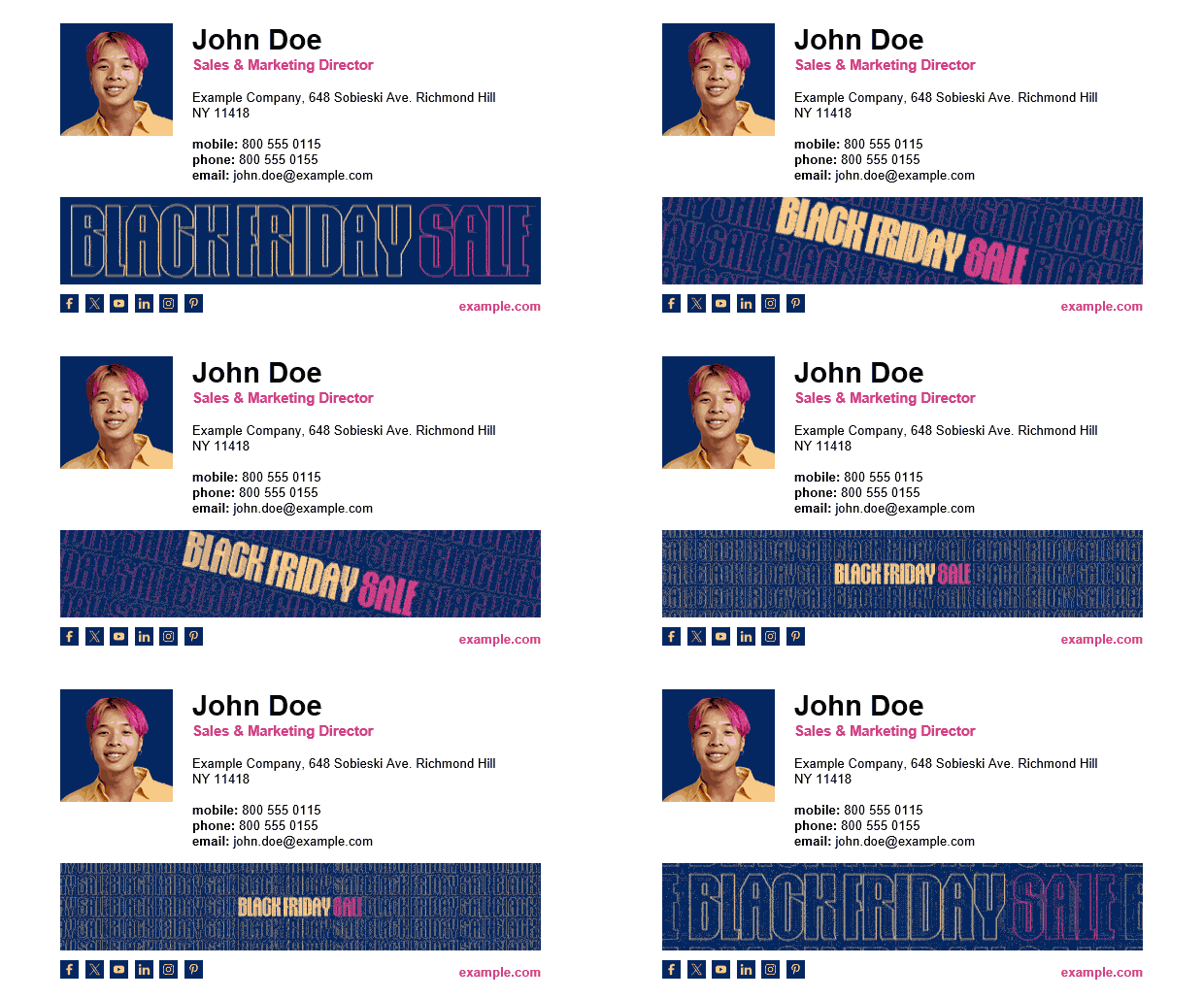
Get this Black Friday email signature for free
Whoa! This one’s zippy, isn’t it? Our Black Friday Sale email signature is sure to make a splash in your customers’ inboxes. Okay, you can skip the pink hair part, but adding a profile photo with a matching background color will keep the design cohesive. All that’s left to do is link the banner to your Black Friday offer, fill in the other details, and go impress your customers!
Special Offer email signature – promote your Black Friday deals
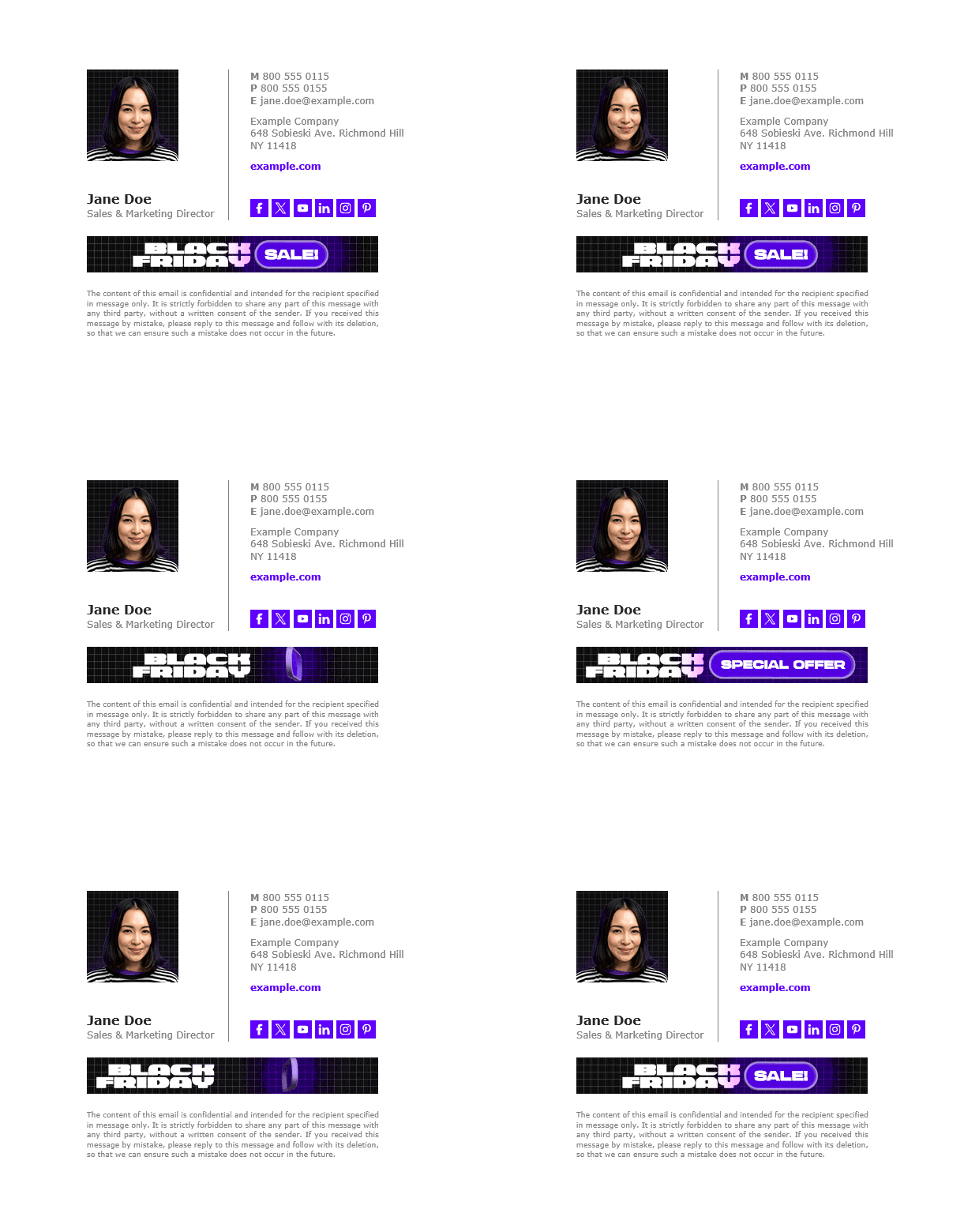
Customize this Black Friday email signature template and use it for free
Here’s another example of a well-crafted email signature promoting seasonal deals. The animated Black Friday banner is sure to catch recipients’ attention, while the color palette is vivid without being overwhelming. Jane even went so far as to wear a matching outfit in her profile photo! I don’t know about you, but to me, it’s a nice way to show your customers that you care about your brand and its image.
Black Friday Deal email signature – drive sales with every email
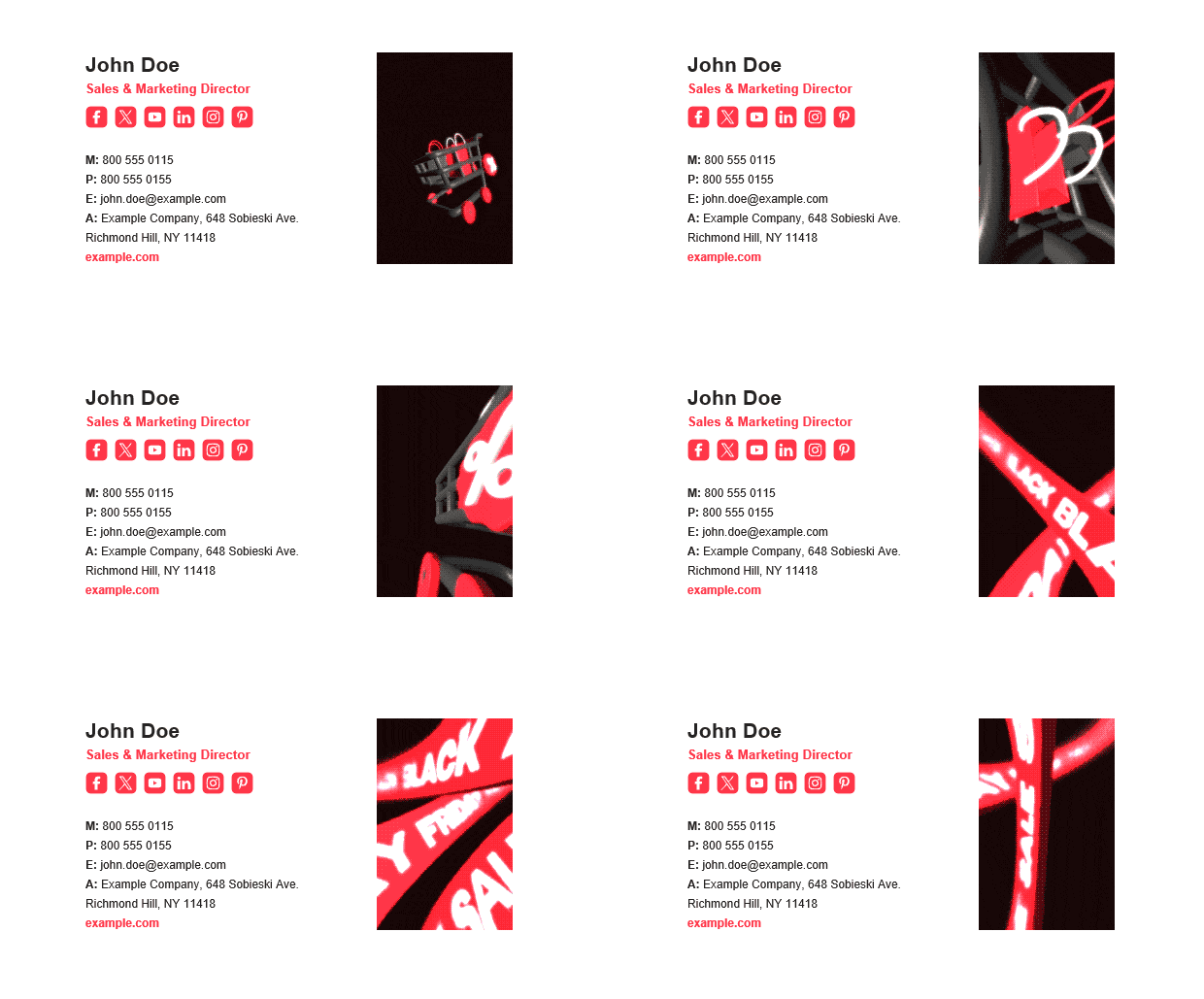
Click here to edit and download this Black Friday email signature
How about this vertical template with a Black Friday banner? It’ll certainly make your email signature more mobile-friendly while keeping your ad prominent. And hey, does it look fabulous in dark mode! I’m sure it’ll help you reach new customers this Black Friday.
More Black Friday email signature examples and ideas
Looking for more email signature examples with a Black Friday banner? Head over to our template library to see the full collection, or check out the templates that have been most popular with our users over the years. You can edit any of these templates in our signature generator and use them for free.
Black Friday email signature template to promote your offers

This has been a long-time favorite among our users: a light-colored email signature template perfect for marketing your bargains during the Black Friday shopping frenzy. Click here to edit or download this template for free.
Vertical email signature with a Black Friday banner

Here’s another great option for those of you looking for a mobile-friendly layout. The Black Friday banner is front and center in this email signature template, making it a great way to boost your campaign. Feel free to download it here.
Great email signature idea for Black Friday

This one is a neat example of how adding a promotional banner at the bottom of your email signature can instantly turn your emails into a marketing channel. Make this template your own and draw attention to your Black Friday promos.
Black-and-green email signature template for Black Friday promotions

Want to add some color to your Black Friday ads? Then try our black-and-green email signature template! Click here to download the template or edit it in our generator and make it your own.
Subtle email signature template for Black Friday

Let me wrap up with this subtle email signature template. It’s a great way to promote your offers without going over the top. Head over to our template library to edit or download this Black Friday signature.
How to create a company-wide Black Friday email signature in Microsoft 365 and Exchange Server
All the email signature templates in our library are great for individual users. But what if you’d like to roll out a Black Friday email signature across your entire company?
Manually customizing a template for each employee can be really time-consuming, especially in larger organizations. And even if you do that, will everyone actually set up the signature in their email app? Keep in mind that every email sent without your Black Friday banners and promo links could mean a missed opportunity.
If you’d rather prepare for increased Black Friday traffic than spend hours updating your colleagues’ email signatures, your best option is to manage signatures centrally across your company using a tool like CodeTwo Email Signatures 365 (for Microsoft 365) or CodeTwo Email Signatures On-prem (for Exchange Server).
Using CodeTwo’s tools, you can:
- Roll out consistent Black Friday signatures across your organization. No need to manage signatures manually or ask each employee to set up their own signature.
- Automatically personalize each signature with user details. CodeTwo fetches employee data from Microsoft Entra ID or Active Directory, keeping each signature complete and up to date.
- Schedule your Black Friday signature campaign. Simply use CodeTwo’s scheduling features to display Black Friday banners exactly when you need them.
Check out this quick video to see how CodeTwo can help you deploy company-wide Black Friday email signatures in Microsoft 365 with just a few clicks – just in time for the Black Friday frenzy.
Black Friday email signatures: FAQ
How do I create a Black Friday email signature?
If you want to create a Black Friday email signature for yourself, the easiest way is to use one of our ready-made Black Friday email signature templates. Here’s how to do that:
- Choose your favorite design by clicking a template image in this article (or in our template library).
- Click the Edit signature button on the template’s page to open it in our signature generator.
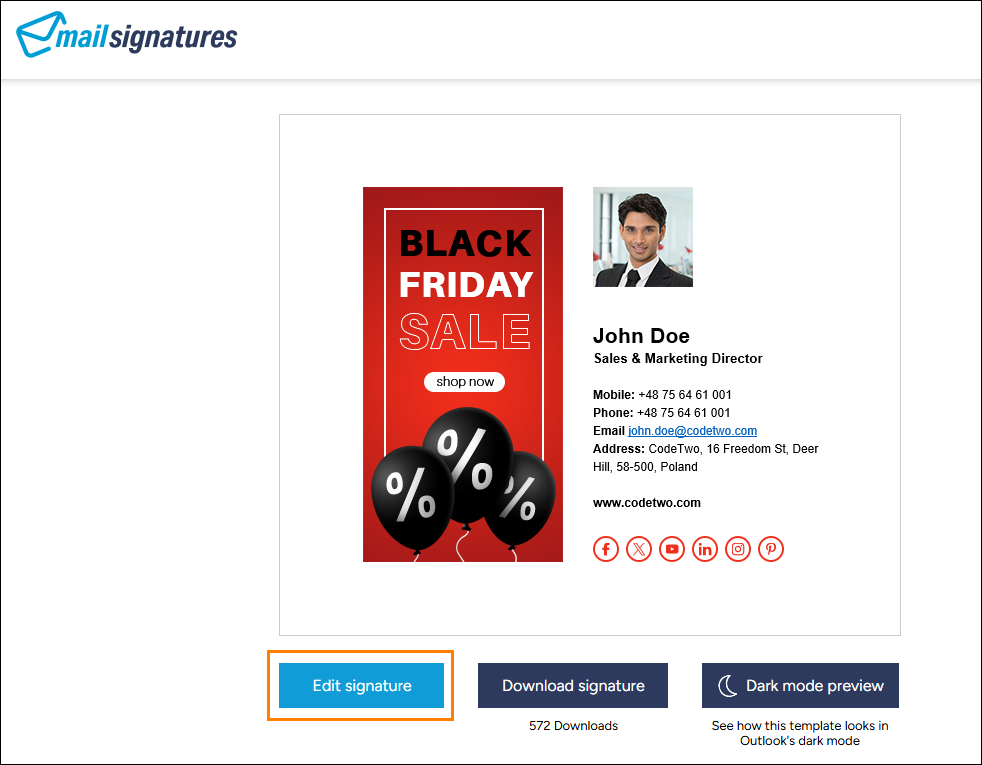
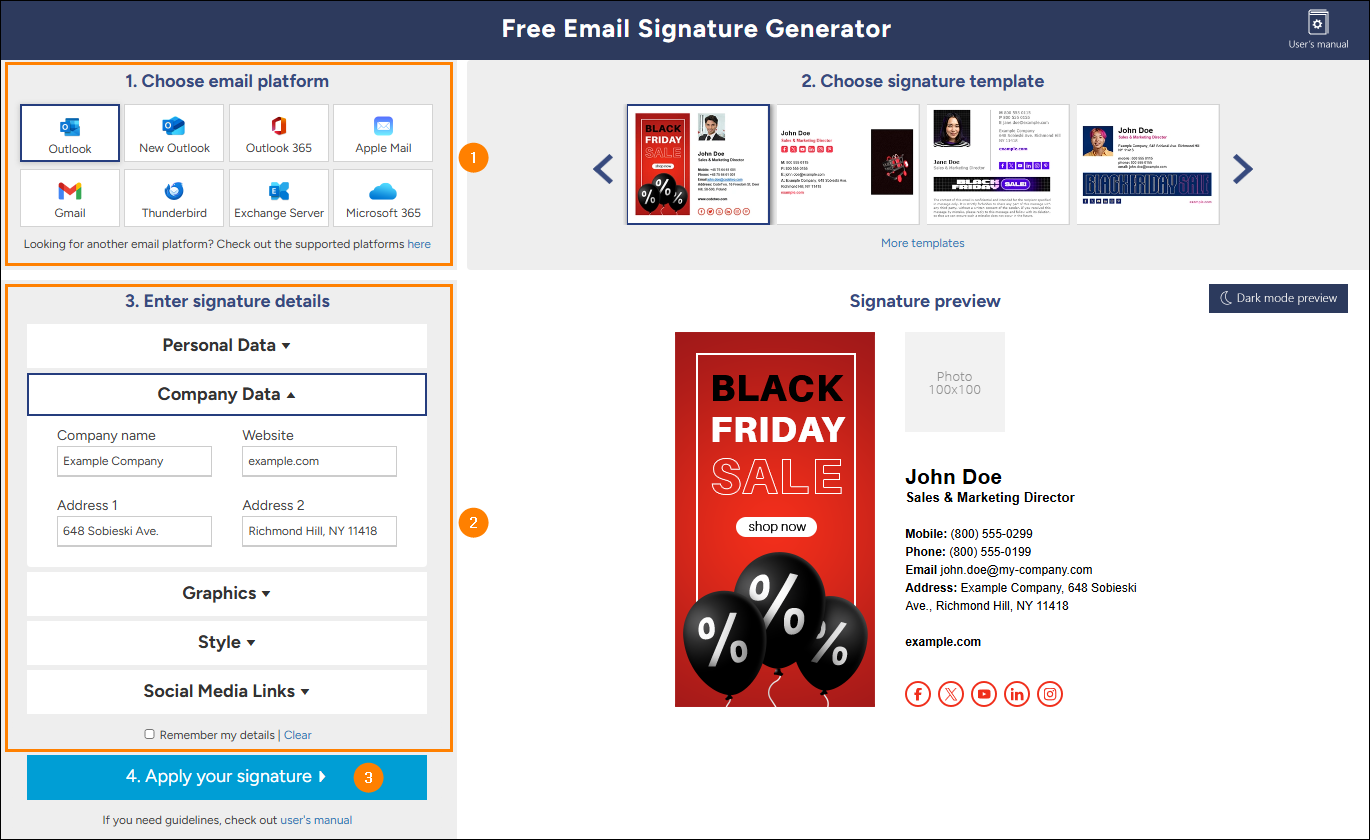
- Select your email app in the Choose email platform section.
- Customize the template with your contact details, user photo, company logo, and/or social media icons.
- Click Apply your signature and follow the step-by-step instructions to add your signature to your email app.
Want to set up a Black Friday email signature for your entire company rather than just yourself? See this FAQ instead.
Where can I find free email signature templates for Black Friday?
Our signature template library contains multiple Black Friday email signature templates featuring promotional banners and social media icons. They’re designed to boost your Black Friday offers with every email you send and are completely free of charge. Simply choose your favorite template, customize it, and add it to your email app in just a few clicks.
What should I include in a Black Friday email signature?
Here’s what to include in your Black Friday email signature:
- Up-to-date contact details
- A clickable Black Friday banner with a link to your seasonal offer
- Social media icons linking to your company’s profiles
- (Optional) Your profile photo or company logo
These are the essentials. For more email signature design tips, check out our other articles.
Do I really need a dedicated email signature just for Black Friday?
Not necessarily, if you don’t want to promote your Black Friday campaigns via email – but yes, if you want to turn every email into a marketing opportunity as Black Friday approaches. Automated email signatures are an easy way to boost your brand’s visibility, grab customers’ attention, and drive sales.
Read more about email signatures for marketing & branding purposes
How can I add Black Friday email signatures across my company?
To set up Black Friday email signatures for all employees, it’s best to use a dedicated tool that lets you centrally manage email signatures across your entire organization, such as CodeTwo Email Signatures 365 (for Microsoft 365) or CodeTwo Email Signatures On-prem (for Exchange Server).
This way, you can quickly deploy your Black Friday email signature template to all users, automatically populate it with data from your company’s user directory, and make sure it’s added to every relevant email.

thanks for information
Hi I am an entrepreneur and looking for templates ideas for my email marketing campaign by using your tips my sales increasing day by day .thanks for your so precious tips .