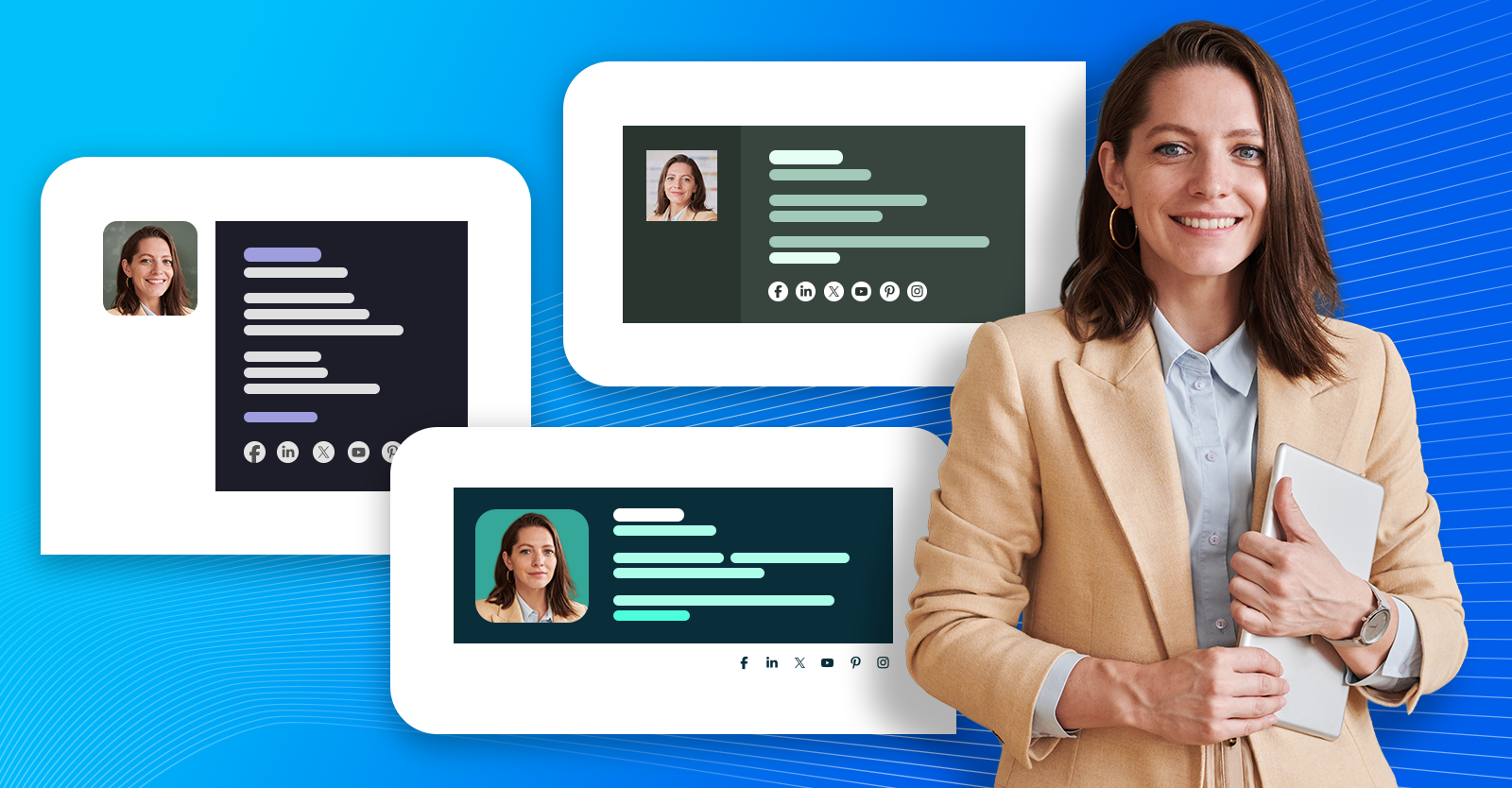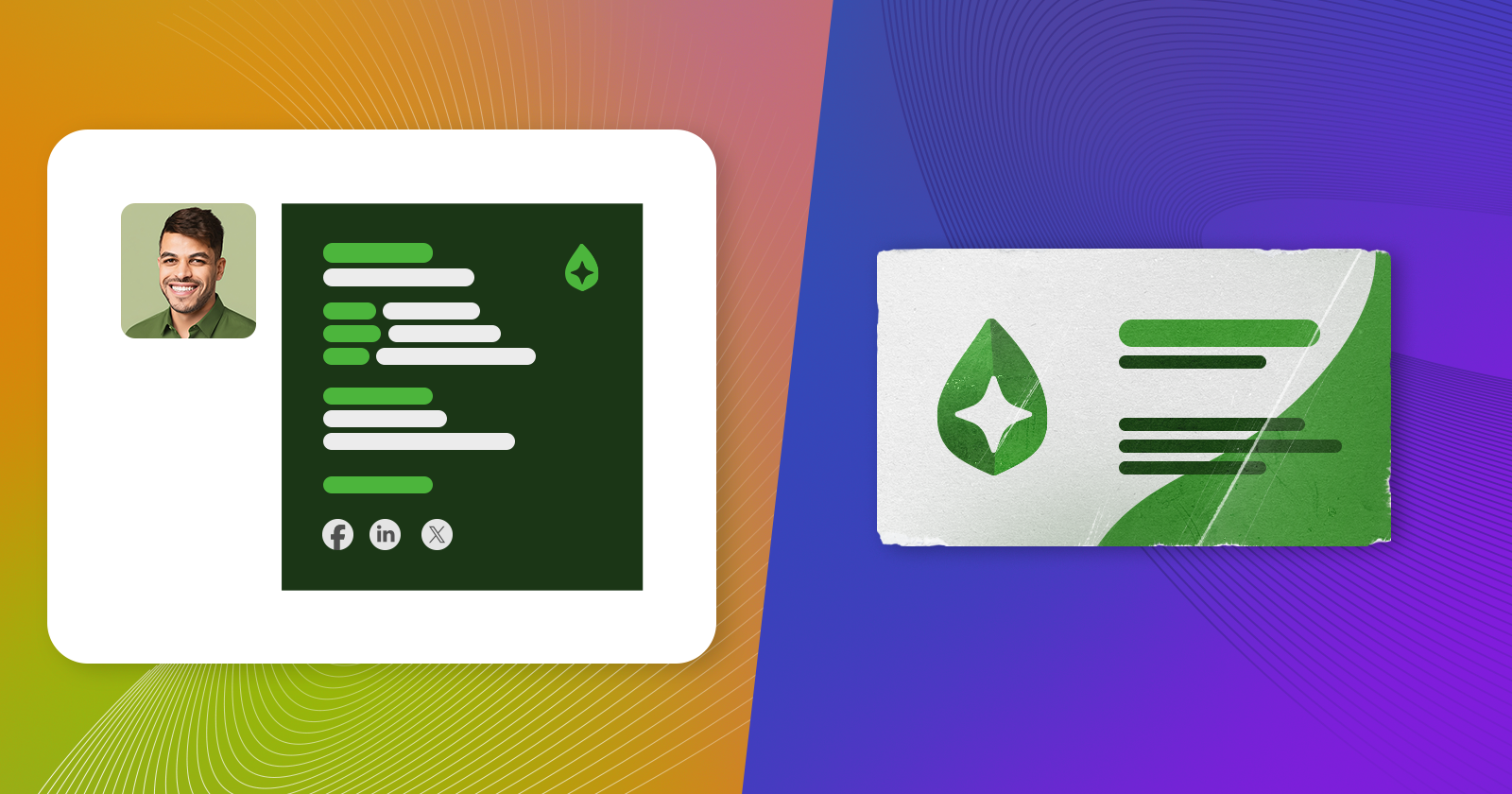
Digital business cards are marketing 101. This article first and foremost shows the best digital business card examples, but also goes into detail about various types of digital business cards and offers an in-depth comparison between digital and traditional (paper) cards.
What is a digital business card?
A digital business card is the digital equivalent of the paper business card. The purpose of both types of cards is to share the most important contact information in the most accessible way possible.
While accessibility and ease of use are their most important characteristics, digital business cards should also focus on their visual representation. A good card catches attention and stands out in one way or another. And while traditional business cards can stand out in terms of premium material or deluxe finish, the digital version gives you much more freedom in terms of its design and layout. Imbue it with your branding and it will work like a charm.
Digital business card examples
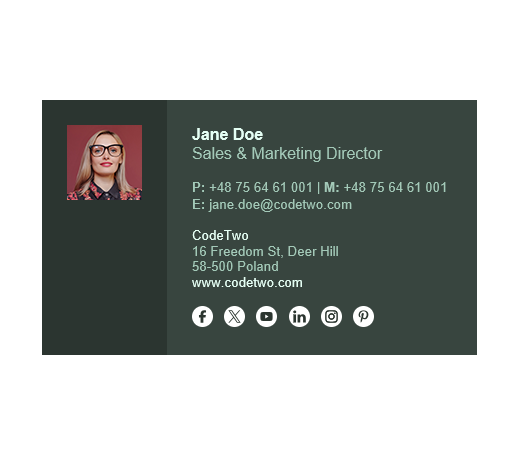
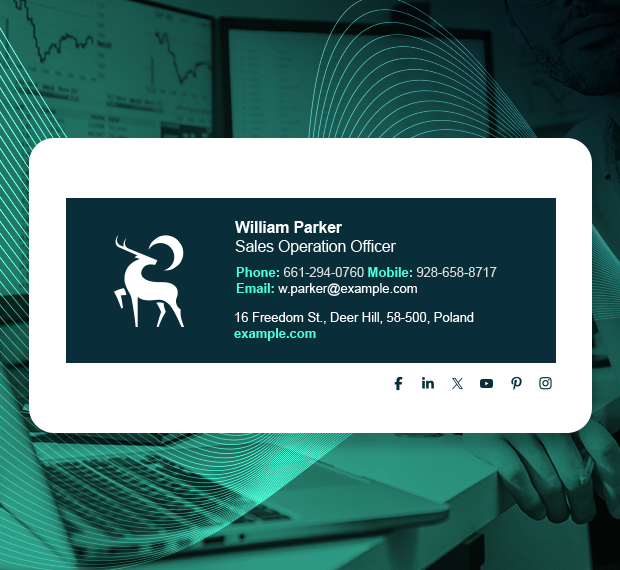
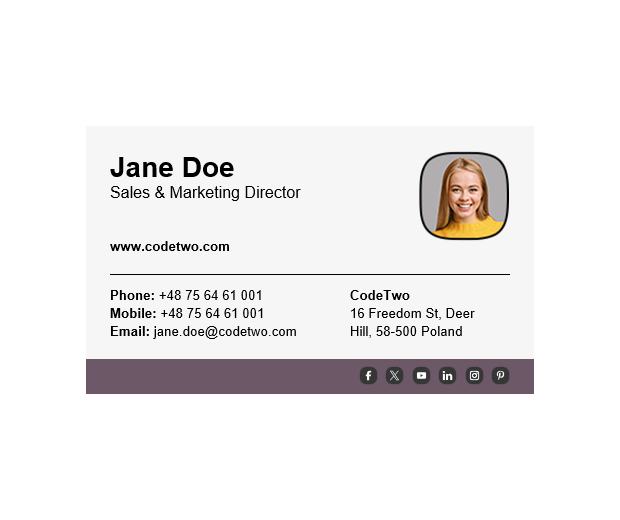
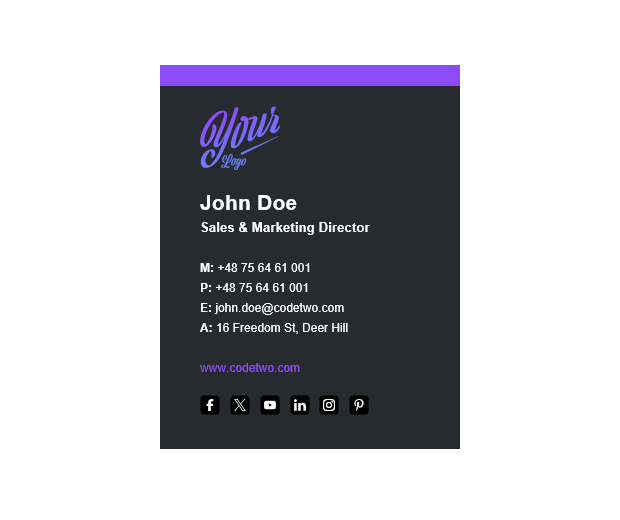
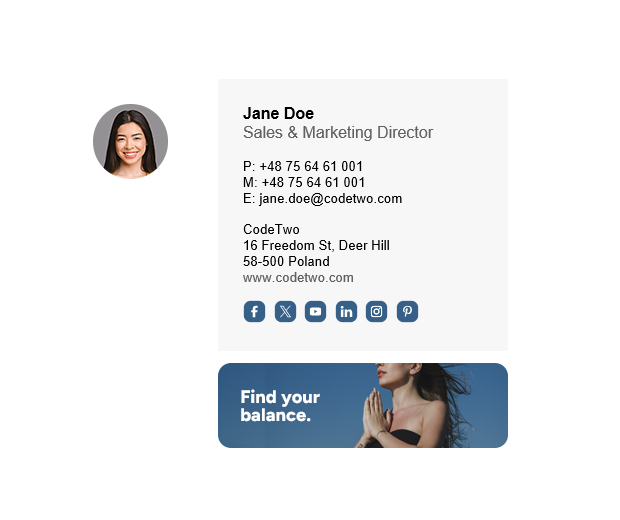
Any email signature design can act as a digital business card. It means that you can use any email signature design from our free email signature library and edit it in the free email signature generator to use it as your new digital business card. However, we’ve recently published some new email signature designs that are a perfect mix of traditional design that shouts: “it’s a business card” and modern digital form inspired by the best UX practices. Explore them in the gallery below.
DIGITAL BUSINESS CARD GALLERY

The easiest way to create your own digital business card
The easiest way to create your own digital business card, by far, is to use a dedicated tool. If you want to create such a card only for yourself, the free email signature generator will make the task as easy as possible. Just pick a template and follow the instructions to get your own digital business card in no time.
Digital business card management at scale
Creating a professional digital business card for the whole company is another story.
You could leave the task to individual employees, providing them with a unified email signature template, but I’ve seen firsthand what usually happens after that – some determined users will set their email signature up in no time, while others will struggle to add it to their email app or will add the signature only to one of the apps they use. That’s when IT needs to take the reins and assist users.
And then there are those users who won’t be bothered, assuming it’s a low priority task, or who will create a design of their own.
The result:
- Hours of user and IT time lost.
- Inconsistent branding.
- Business opportunities lost.
And every time you want to update your design to something more modern, the whole story repeats itself. Fortunately, there are tools that automate email signatures and prevent the horrors of manual setup.
Learn more about the best email signature tools
Types of digital business cards
Not all digital business cards are made equal. There are a few different types, and each of them works a bit differently. This article focuses on using email signatures as digital business cards, but there are also alternatives worth mentioning.
Email signature
While not the most obvious type, email signatures have served as digital business cards long before other types even came to life, and they remain the most used and the most useful digital business cards to date. An email signature can be attached to every email you send, and with the right tools, you can create professional digital business cards for the whole company in mere minutes.
Learn more about email signature management
vCard
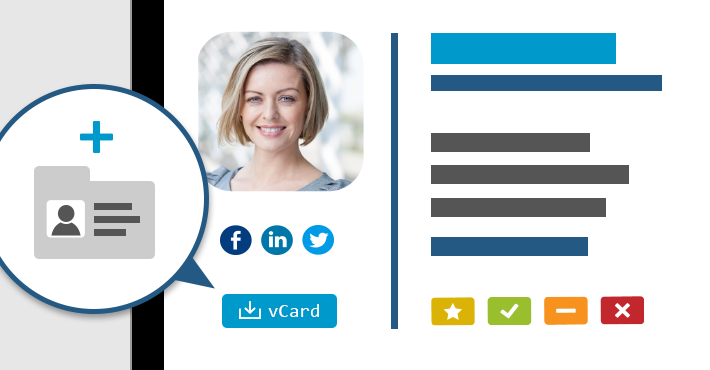
A vCard usually means a VCF file. It is a simple file format that can include contact details, a contact photo, and some additional data. The advantage of such a digital business card is that it can be easily added to Google or Apple Wallet, imported into Outlook or directly to your phone, or opened in other apps. One of the best ways to share a vCard with others is to add it to email signatures as a QR code.
QR code

While a QR code is not necessarily a digital business card, there are two ways to use it as such.
- With the right data formatting, QR codes can be coded into a vCard that, upon scanning, can be added directly to a mobile device.
- A QR code can also link directly to a VCF file or to an online business card.
And both of these options work great together with email signatures.
Learn more about using QR codes in email signatures
Online business cards
You can use a dedicated website to include your contact information, bio, and other elements, or use your LinkedIn profile for this purpose. The sky is the limit. However, while the opportunities are aplenty, you still need to lead your leads to this online location. So, a link to the website will probably go in your email signature under a great CTA or will be coded as a QR code.
NFC Cards
The last type is a hybrid between paper and digital business cards.
Most often, these cards will look exactly like traditional business cards, but they will also include an NFC chip. Whenever someone gets their mobile device close to such a card, it will open a dedicated website coded into the chip or will download a contact into their phone.
Digital business card vs paper
Before diving into differences between digital business cards and traditional business cards, it’s important to understand the most important similarity between the two. Business cards, in general, have one most important purpose: to create opportunities.
Digital business cards are a natural evolution of their paper equivalents. While both formats serve the same core purpose, they differ significantly in how they’re created, shared, and used.
Durability
Even the best traditional business cards will see wear and tear over time. Depending on the paper quality and how people store them, their durability will vary. However, most paper business cards won’t be pretty after even a short while.
Digital business cards, on the other hand, will look exactly the same even after years of use.
Updating contact details
Paper business cards require a full reprint whenever your contact details change.
Digital business cards can be updated in no time. Of course, if you want to update digital business cards for a specific team or the entire company, the task’s difficulty scales up substantially, but I’ve already mentioned that there are tools that make email signature management painless.
Distribution and reach
Paper business cards require physical, face-to-face contact. You can hand them out during meetings or events, or include them in parcels or traditional mail – but I guarantee that most of them will likely be discarded along with the packaging unless there’s a discount code on them.
Digital business cards can be shared anywhere: via email, messaging apps, social media, QR codes, or links. This makes them far more practical in remote work, ecommerce, and online-first business models.
Cost
- Every paper business card you hand out is money spent. That’s why some businesses are careful with their business card distribution and, as a result, may lose some of their opportunities to save a bit of money.
- Digital business cards don’t have a per-card cost. Once created, they can be shared freely without worrying about printing or reordering.
Design and format limitations
Paper business cards are constrained by physical size. They need to fit into wallets and card holders, which limits how much information and visual content you can include.
Digital business cards don’t have these limitations. They can include more content, richer layouts, and dynamic elements without worrying about physical dimensions.
Actionability
Paper business cards require manual action – typing in a phone number, searching for a website, or scanning a QR code.
Digital business cards are inherently interactive. They can include clickable phone numbers, email links, social media icons, banners, and dedicated CTAs that let recipients act immediately.
Context and recall
Traditional business cards often lose context. After some time, it’s easy to forget where you met someone or why you kept their card.
Digital business cards can preserve context through notes, tags, or the channel they were shared in (e.g., email), making it easier to remember the relationship.
Environmental impact
Paper business cards are frequently discarded shortly after being received, which has an environmental cost.
Digital business cards eliminate paper waste entirely, making them the more eco-friendly option.
Where paper business cards still stand outLet’s be objective and look at the most important pros of using paper business cards:
- Tradition – tradition can be a strange thing. While there are a lot of clear advantages of digital business cards, some people are used to this form and will expect you to have your own business card. Nothing wrong about that.
- Personal touch – if you have some face-to-face time with your prospects, a good-quality traditional business card will feel personal. I won’t deny that professional business cards make a lasting impression.
- Premium materials – while most business cards are crafted with some type of paper (some more premium than others), there are also some materials that, paired with a great design, most people will want to hold onto. In the past, I’ve received wooden and metal business cards that I’ve kept to this day.
Conclusion
When weighing the pros and cons of digital versus traditional business cards, I feel that digital business cards are a clear winner. It doesn’t mean you should discard traditional business cards entirely though, since they have their uses.
What do you think about digital business cards? Feel free to share your point of view in the comments section below!