


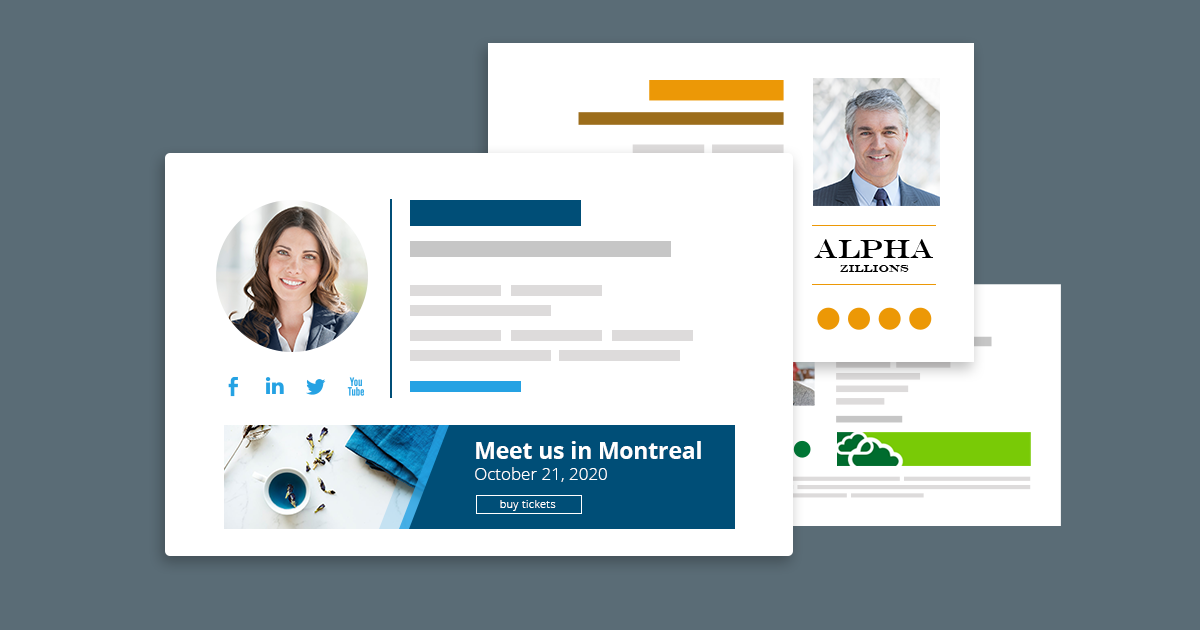
No matter what kind of professional you are – a marketer, a lawyer, a coach, a graphic designer or maybe a freelancer – you need an adequate email signature to use in every email you send to the outside world. Email signatures in business communication not only allow to pass relevant contact information to quickly communicate with you, but also carry a great potential to showcase your abilities, achievements, or certificates.
In this article, you will find some tips on how to design an email signature for professionals.
Ease the way people can reach you out
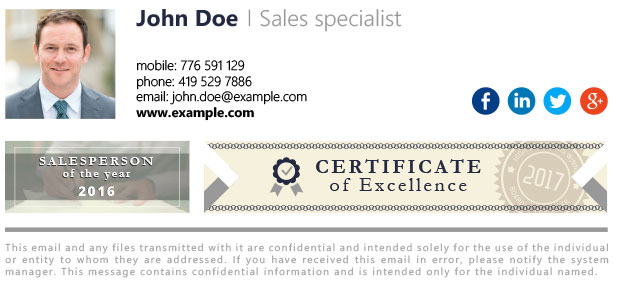
First of all, do not forget to put necessary contact details in your email signature. Phone number, mobile number, email address, website or physical address may be essential to quickly contact you. Keep your contact information well-organized, put them together in one part of your signature to do not confuse your recipients.
Attract attention by using photos, images or graphics
Email signatures used in business communication do not have to be dull and boring to look professional. Actually, the exact opposite is better. Make your signatures more attractive by adding some eye-catching graphics, like e.g. your photo or a marketing banner. Be sure they are of good quality and correspond to your profession and style – you want them to attract, not distract.
Be sure people can easily find your works
Including some visuals or links to online portfolio is especially important for professionals such as graphic designers, photographers, or other specialists who operates on images, photos or graphics. You probably have a few accounts on portals like DeviantArt, Instagram or Pinterest where you upload your works. Maybe you also have your own website. It is a good idea to let your recipients easily find your works on the Internet by including social media icons in your email signature. In this article, you can learn more on how to add social media icons to a signature template and how to link them to your accounts in social networks.
Showcase your abilities, works or achievements
Why not to use banners to show your achievements off? If you received a prestigious award, gained an important certificate or did some training, just let people know about it. If you or your works have been featured in some business magazines or portals, it is a great chance to link your banner to those resources as well.
Create signatures directly in your email client or use a third party tool
You can create your email signature directly in an email client like Outlook or Thunderbird. And if you have an Exchange server or Office 365 that handles your mail flow, you can create them directly on the server side. Perhaps these solutions will not give you too much formatting options, but should help you build simple and neat signatures. You can also use this free Email Signature Generator to get some ideas and ready-to-use signature templates.

For more advanced designs, you need to use third party applications like the ones from CodeTwo, which provide more functionalities and design options in comparison to the native solutions.
Check also:


Hi there! This post couldn’t be written any
better! Reading through this post reminds me of my old room mate!
He always kept talking about this. I will forward this article to him.
Pretty sure he will have a good read. Thank
you for sharing!
good