 Dark mode preview
See how this template looks in Outlook's dark mode

Organized Outlook
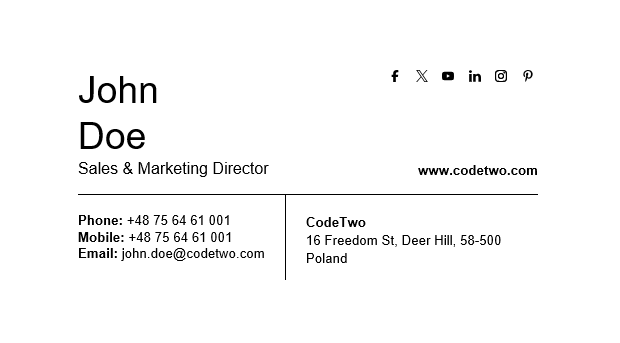
Well-structured data is visible data. Organized Outlook is all about great structure and simplicity. Clear sections separate your contact info from the company info.
No marketing banners, no rainbows – just the elements that have been there since email was born. And social buttons, if you want to direct your recipients to your official profiles.
Use the buttons above to personalize this template using our free email signature generator, download its HTML code together with social media icons or see how it looks on Outlook’s dark mode.
See how to add this email signature template to your email app